



Workflows

Intelligent workflow automation for business teams

Turn complex processes into automations without waiting on engineering. Built on your Knowledge Base, connected to your tools, with guardrails that keep you in control—so Workflows can reason, decide, and act like a teammate would.
Book Demo
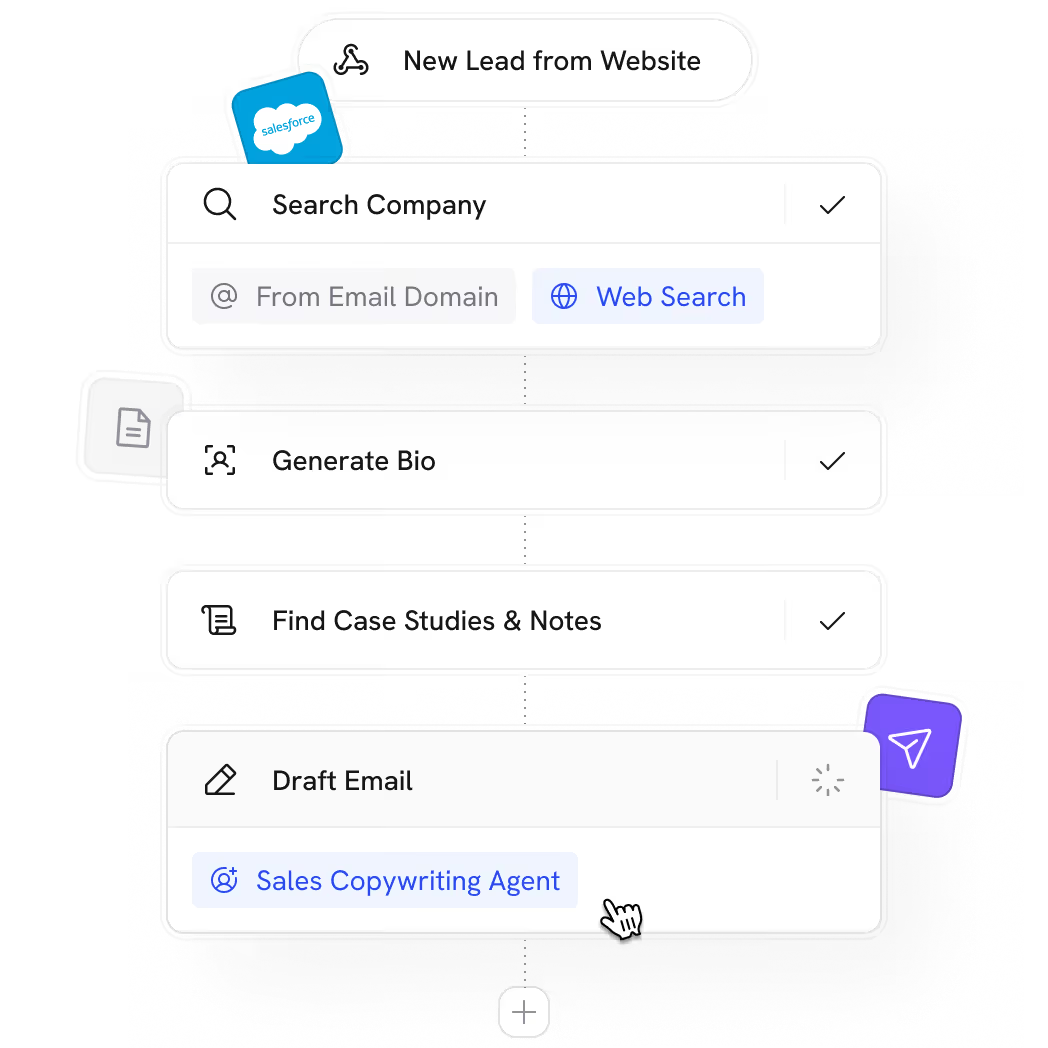
Cassidy Workflow diagram starting with 'New Lead from Website', followed by steps 'Search Company' with options From Email Domain and Web Search, 'Generate Bio', 'Find Case Studies & Notes', and 'Draft Email' with a Sales Copywriting Agent tag.
Trusted by 20,000+ teams worldwide

Unlike most automation tools that follow rigid scripts, Cassidy reasons through logic, exceptions, and edge cases and knows when to escalate

Without Cassidy

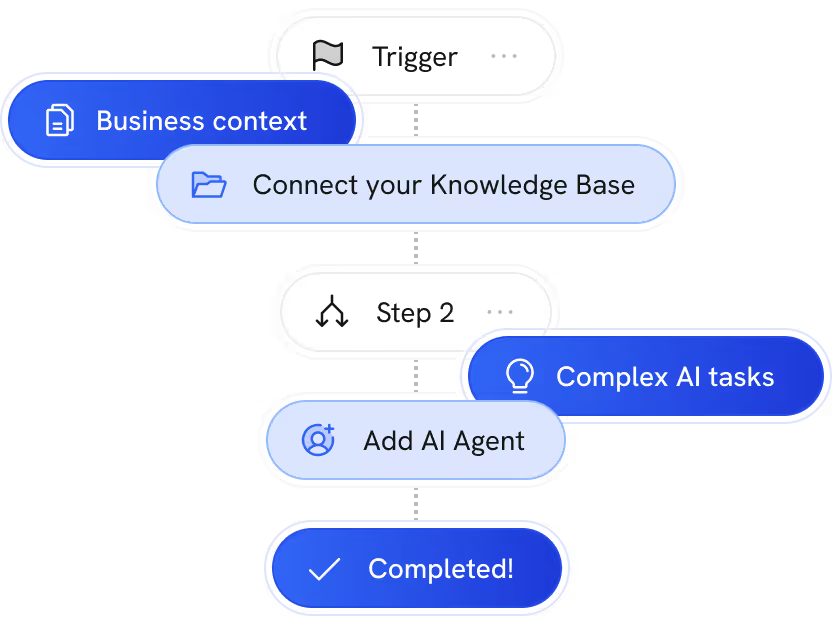
Graphic representation of how traditional workflows limit the use of AI-specific actions & contextual information
Linear workflows that can’t adapt. Exceptions become someone’s problem.

With Cassidy

Automations that handle nuance and complexity. Human-in-the-loop when you need it.
no-code builder

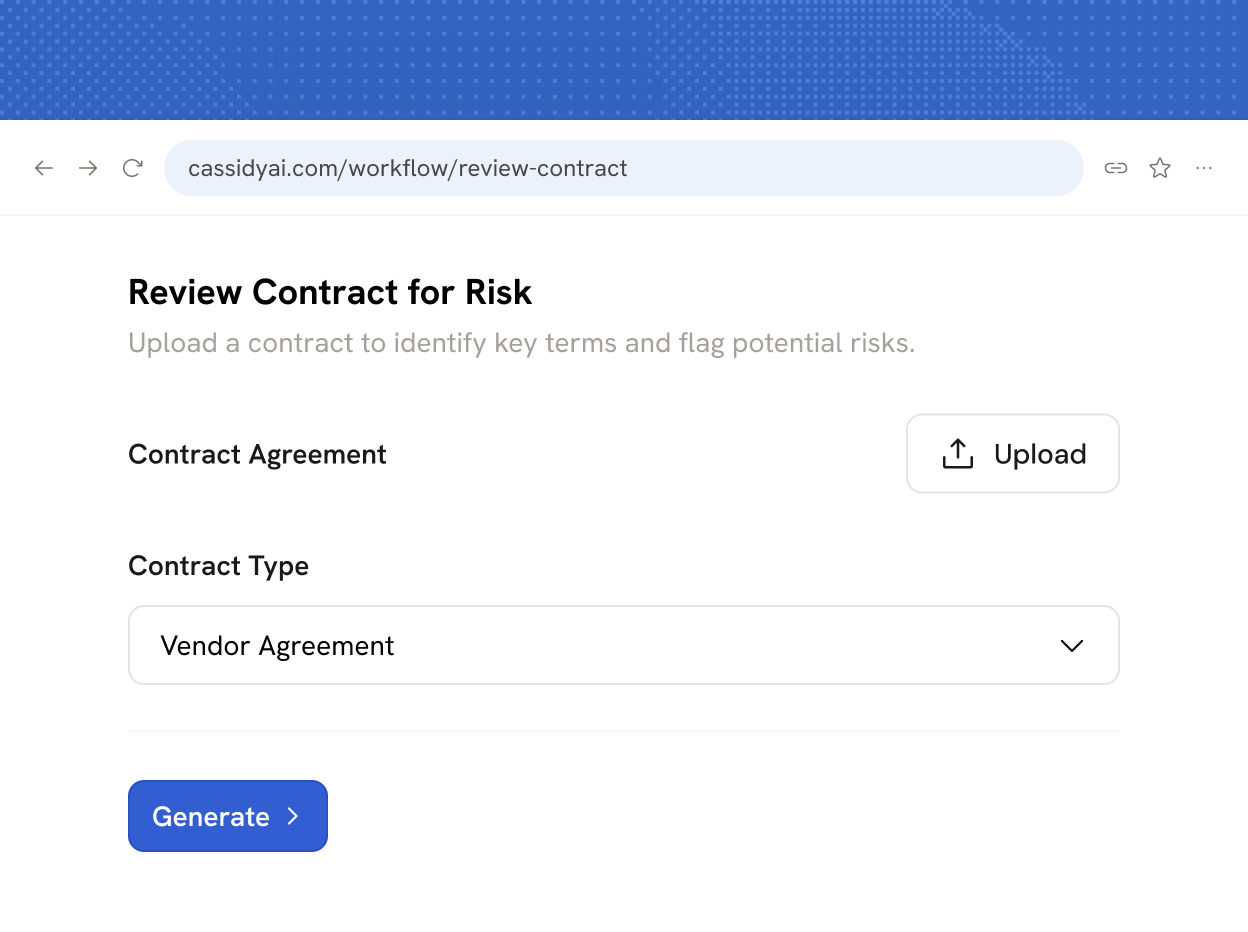
From process to Workflow without writing code

Cassidy’s Workflow Copilot helps you build automations step by step—structuring logic, connecting tools, and refining details alongside you. Add and customize actions, start from templates, or create exactly what you need. Zero coding required.
Book Demo
User interface showing a no-code workflow builder creating a new workflow, with stages labeled Thinking, Building, and Finalizing.
triggers & actions

Drag and drop from a library of ready-made blocks

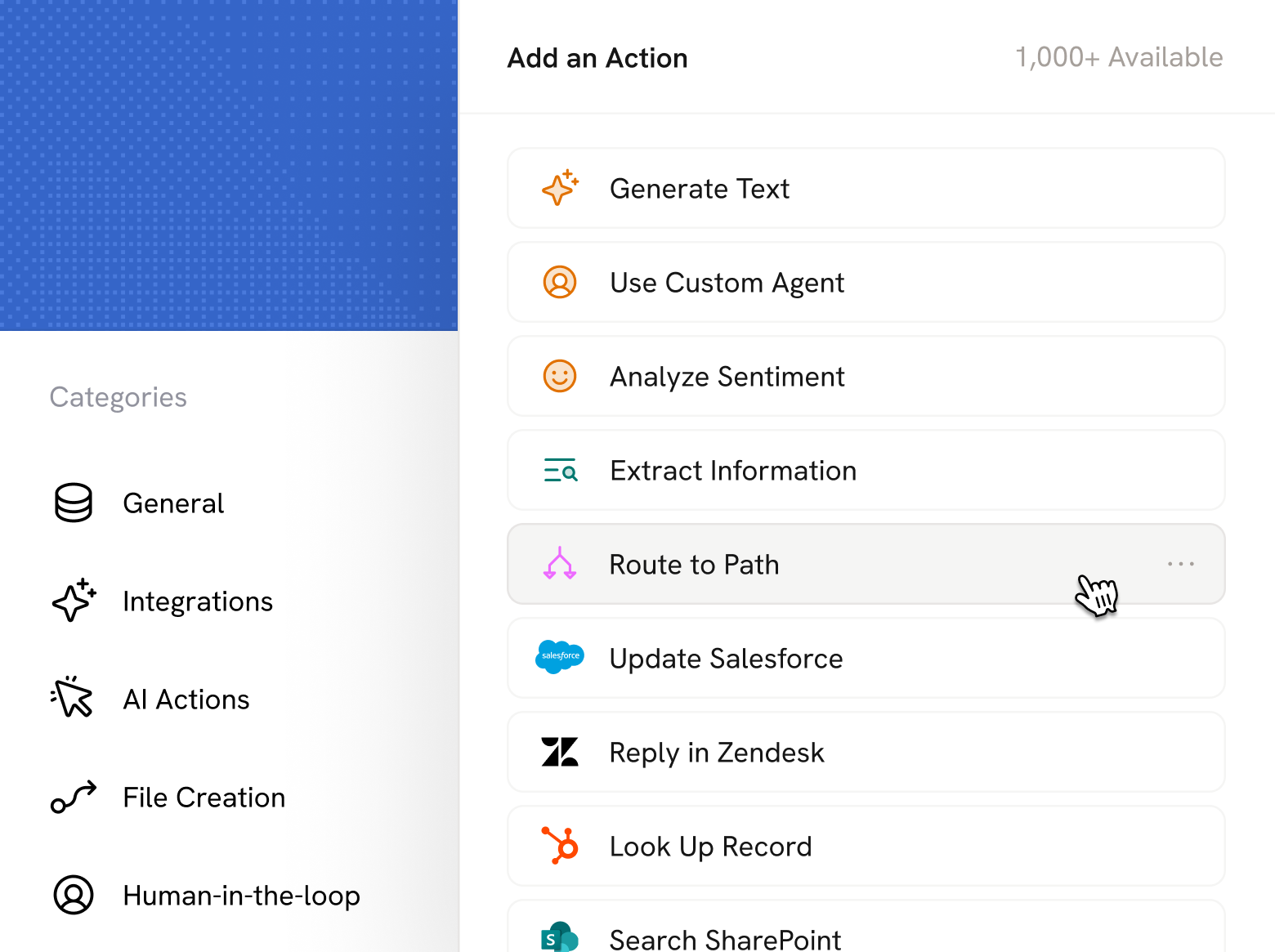
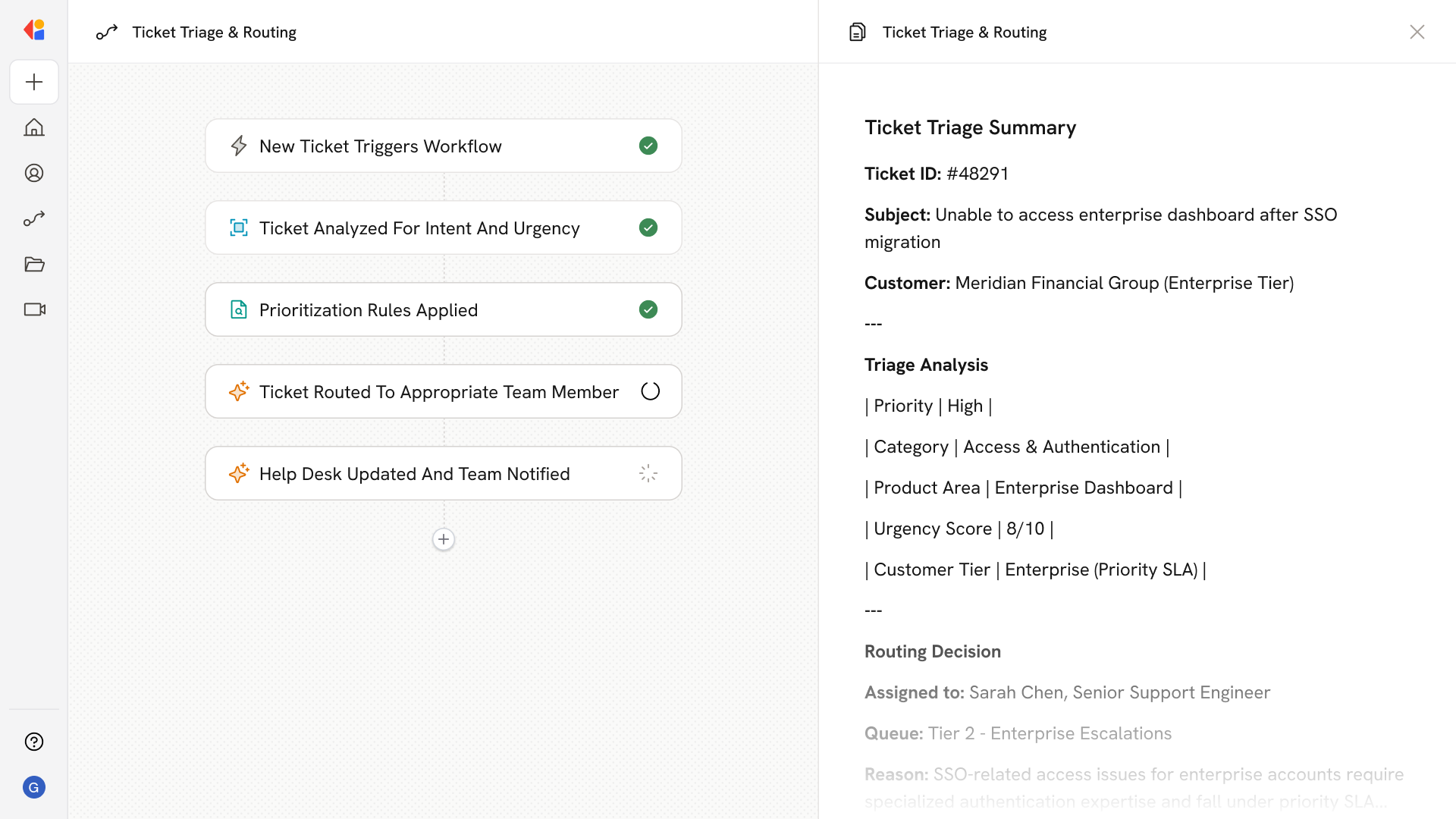
Choose from 100+ pre-built actions—generate content, search your Knowledge Base, send emails, update CRM records, routing, looping, and more. Drag them into your Workflow, customize the inputs, and connect them to triggers from the tools you already use.
Book Demo
knowledge base

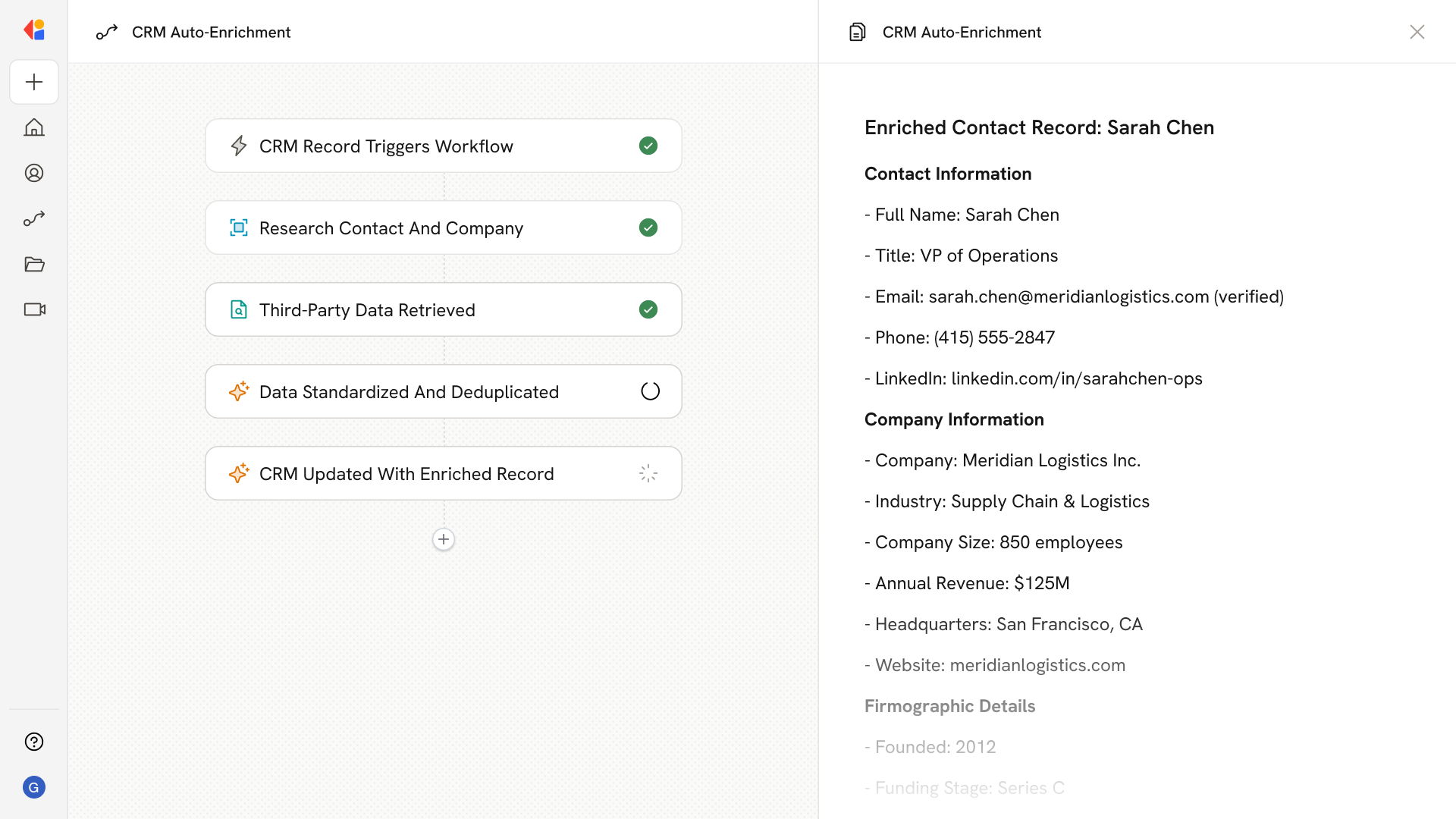
Reference your knowledge and data at every step

Connect your Knowledge Base and Cassidy retrieves the right context at each step—learning your processes, applying your logic, and making decisions grounded in how your business actually works. Every output cites the source.
Book Demo
A results panel showing completed steps: Enrich and Score Lead, Prepare Outreach Strategy with recommended talking points mentioning ideal customer profile for Enterprise tier and similar accounts prioritizing compliance; includes links to ICP Guidelines and Sales Playbook, and the next step Generate Email.
User interface showing a draft reply message with a prompt to respond to a ticket, and a model selection list highlighting Claude 4.5 Haiku labeled as Good Writer.
Model selection

Pick the right model for every step

Select from 30+ models from OpenAI, Anthropic, and Google—with smart recommendations for each action. Use the best LLM for writing, logic, or research. No lock-in: as new models are released, your Workflows get access and an immediate upgrade.
Book Demo
Human-in-the-loop

Add human review wherever it matters

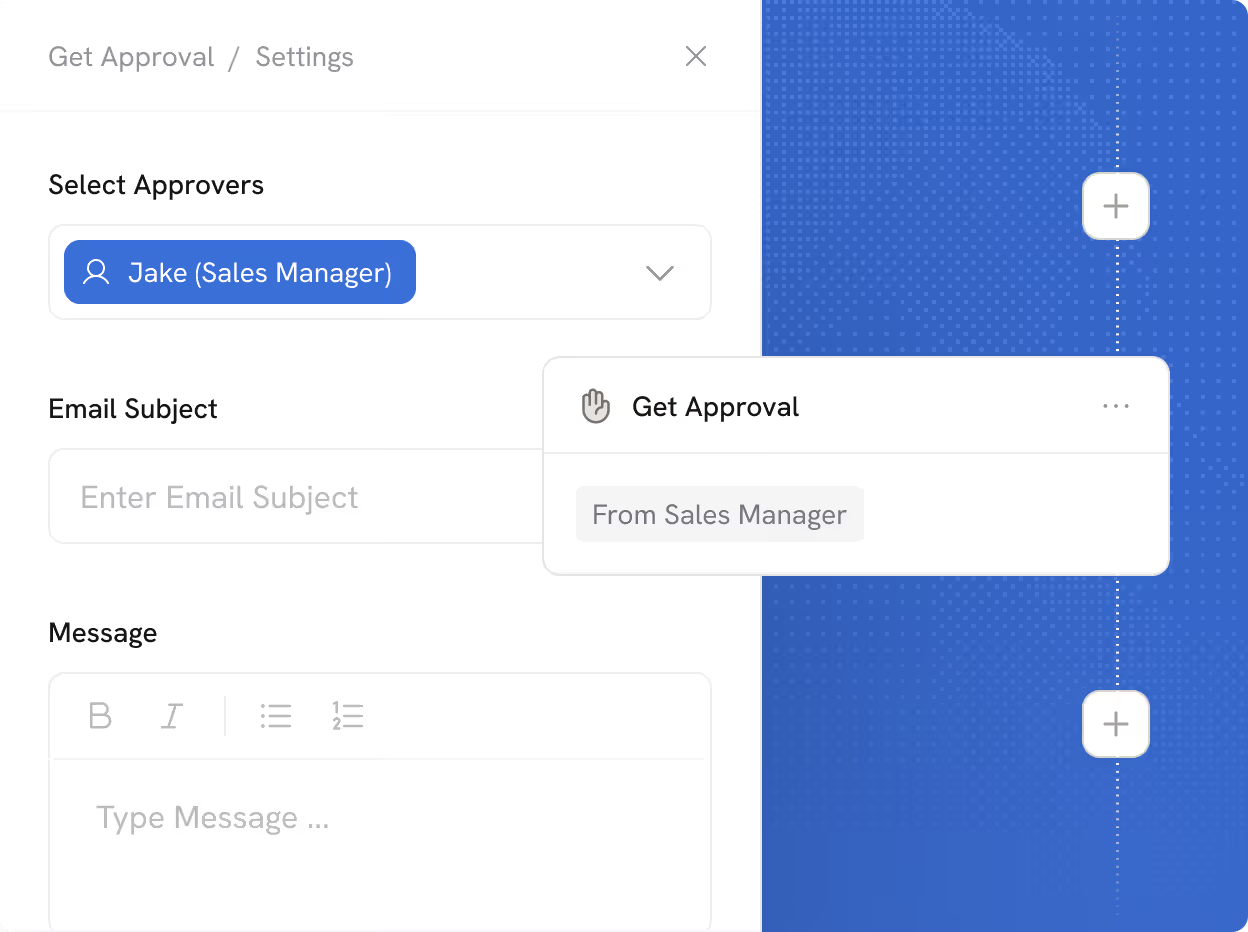
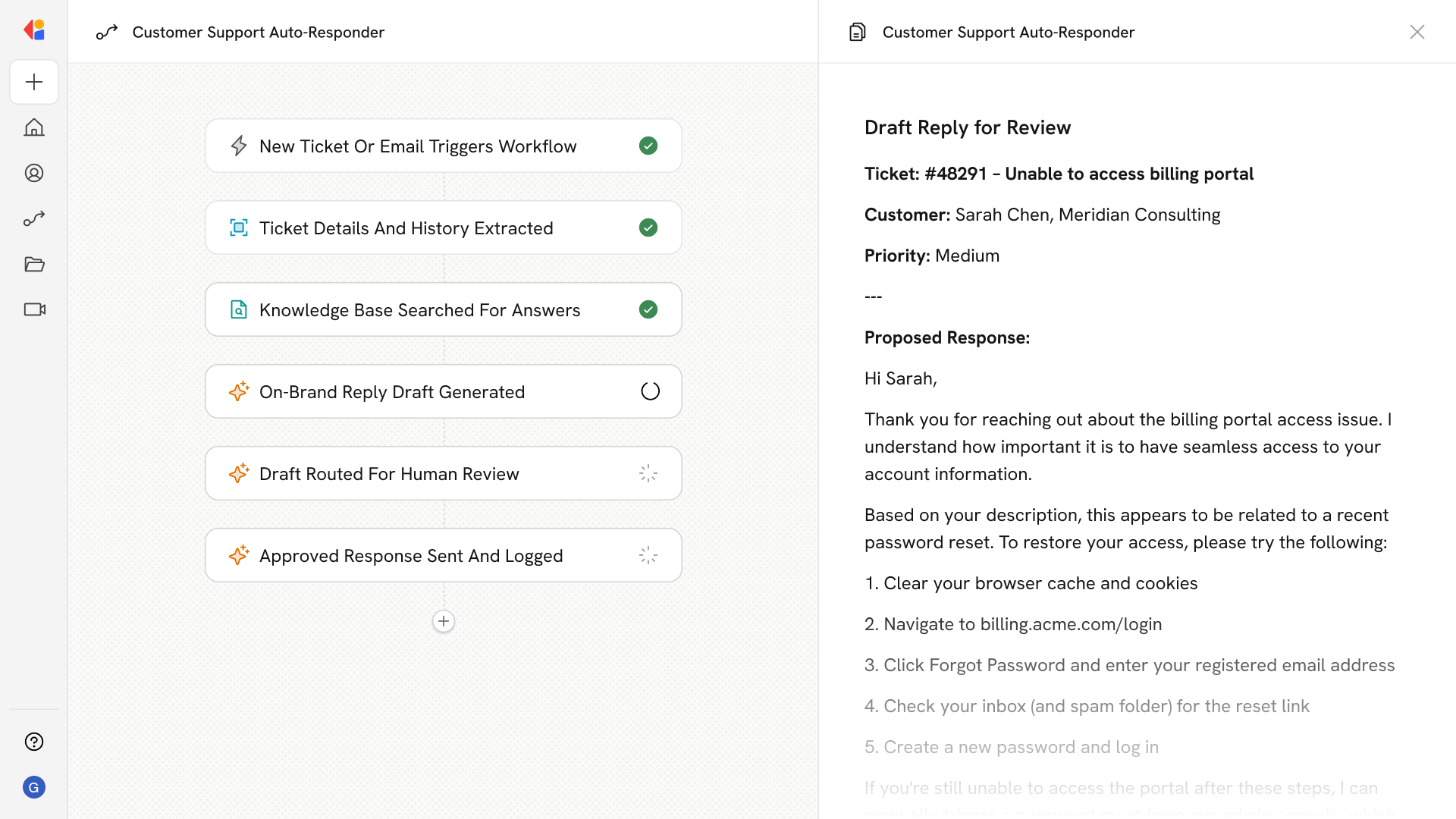
Insert approval steps anywhere in your Workflow. Review AI outputs, pause for sign-off, or request input from teammates before Cassidy takes action. You stay in the driver's seat on sensitive work.
Book Demo
Settings panel for approval workflow with Sales Manager Jake selected as approver, fields for email subject and message, and a visual workflow on the right with plus buttons to add steps.

Run Workflows however your process demands

However your process runs—on a schedule, from an event, or on demand—Cassidy fits the way you work.
Bulk run

Run Workflows at scale

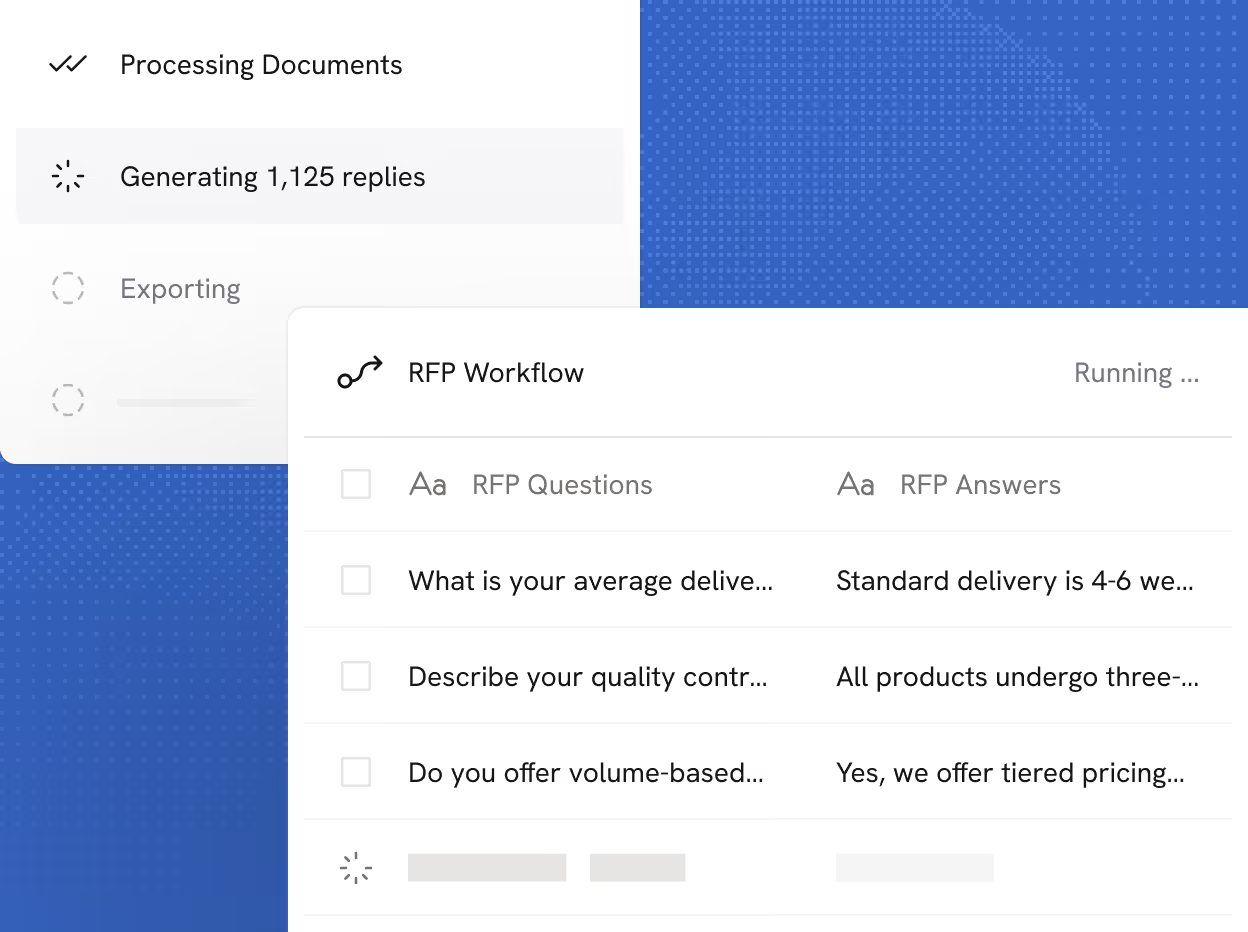
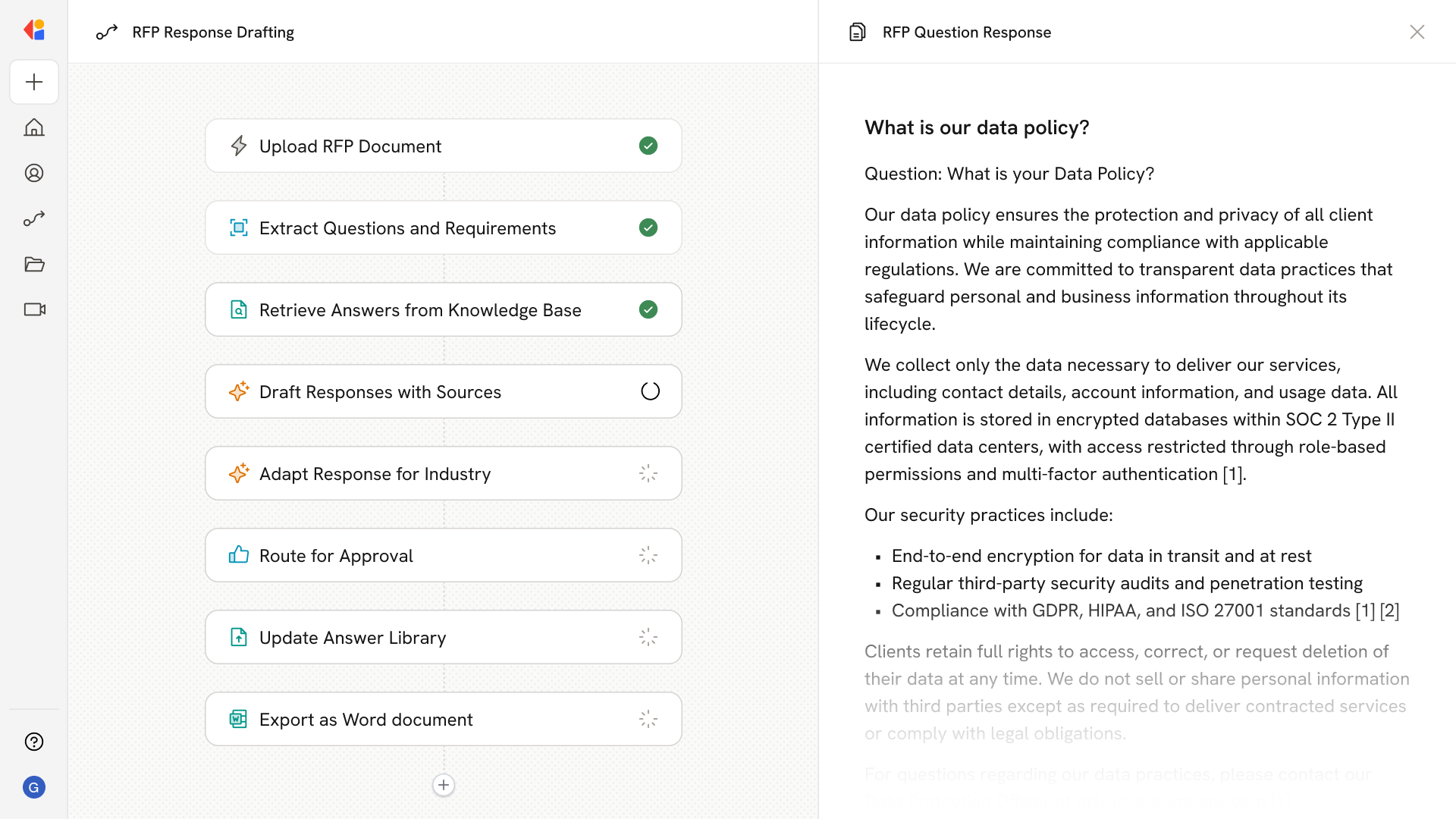
Process hundreds of records in one go. Upload a file and Cassidy extracts the inputs automatically—then runs your Workflow against every row. Answer RFP questions, enrich lead lists, or generate content across an entire spreadsheet.
Book Demo
Cassidy RFP Workflow interface showing progress: documents processing completed, generating 1,125 replies in progress, exporting not started, with RFP questions and answers listed but partially truncated.
Interfaces

Apps built on your Workflows

Describe the UI you need and Cassidy builds it. Custom forms, inputs, and outputs that look and feel like a fully built tool—powered by your Workflows on the backend.
Book Demo
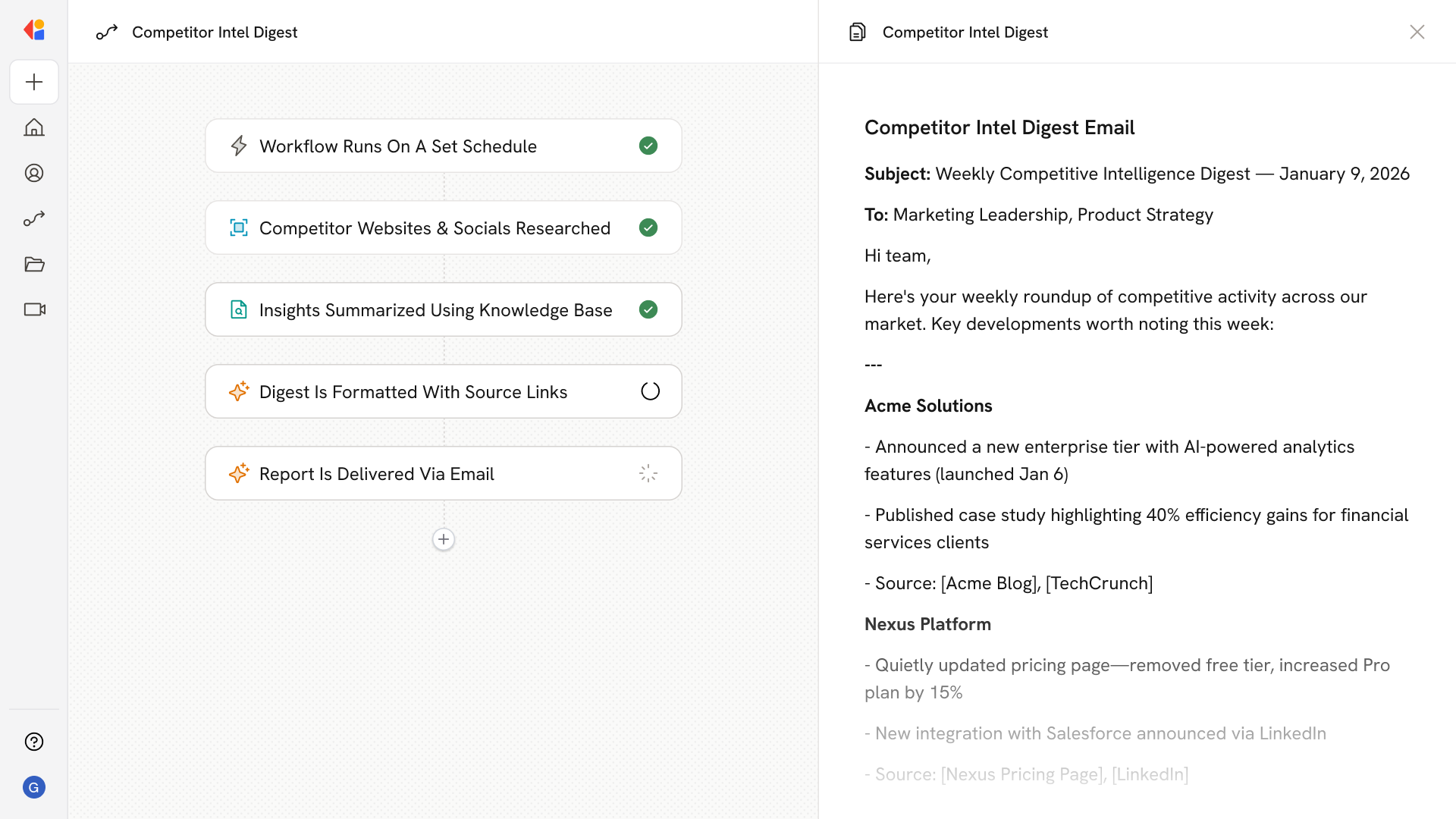
Schedule

Runs Workflows in the background

Set Workflows to run hourly, daily, or weekly. Competitive reports delivered to your inbox, lead enrichment running overnight, data synced automatically.
Book Demo
User interface to schedule a trigger with options to run every year, month, week, day, or hour, currently set to run every day at 9:00 AM.
Trigger

Workflows that respond to real-time events
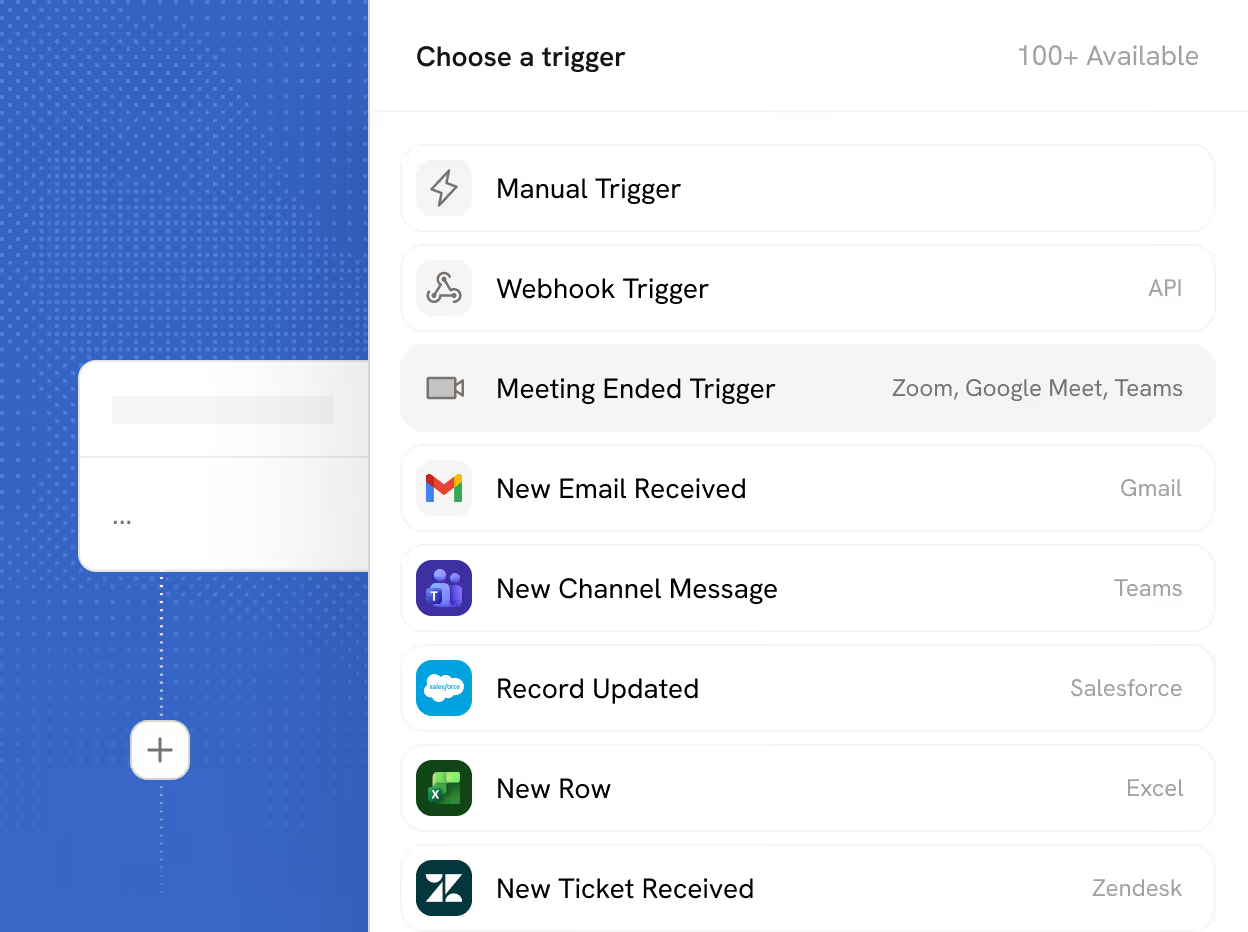
Start Workflows from events in Slack, Salesforce, Zendesk, or any connected app. Automation runs exactly when and where you need it.
Book Demo
UI menu showing options to choose a Cassidy workflow trigger with selections including Manual Trigger, Webhook Trigger, Meeting Ended Trigger, New Email Received, New Channel Message, Record Updated, New Row, and New Ticket Received.

More features to explore

Additional ways to customize, control, and scale your Workflows.
Templates
Start from 100+ pre-built Workflow customizable templates. Get running in minutes, not hours.
Conditional logic
Route data, skip steps, or branch your Workflow based on if/then rules you define.
Scheduling
Run Workflows on a fixed schedule (hourly, daily, weekly) or trigger them on demand.
Webhooks & API
Go beyond native integrations. Send data to any service or trigger Workflows from external systems.
Version history
Track changes, publish updates, and roll back to previous versions when needed.
Sharing & permissions
Control who can view, edit, run, or deploy each Workflow, from org-wide to private.

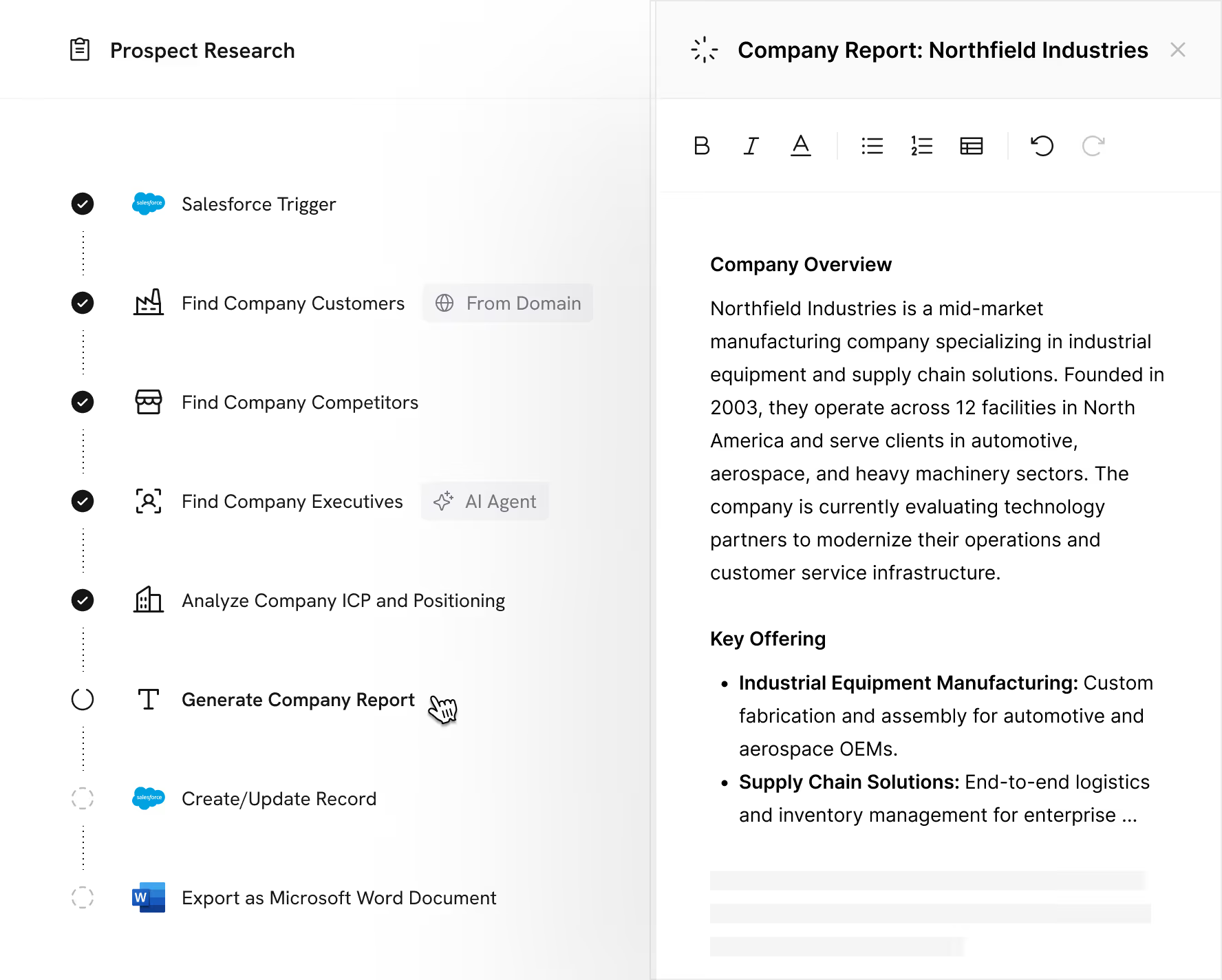
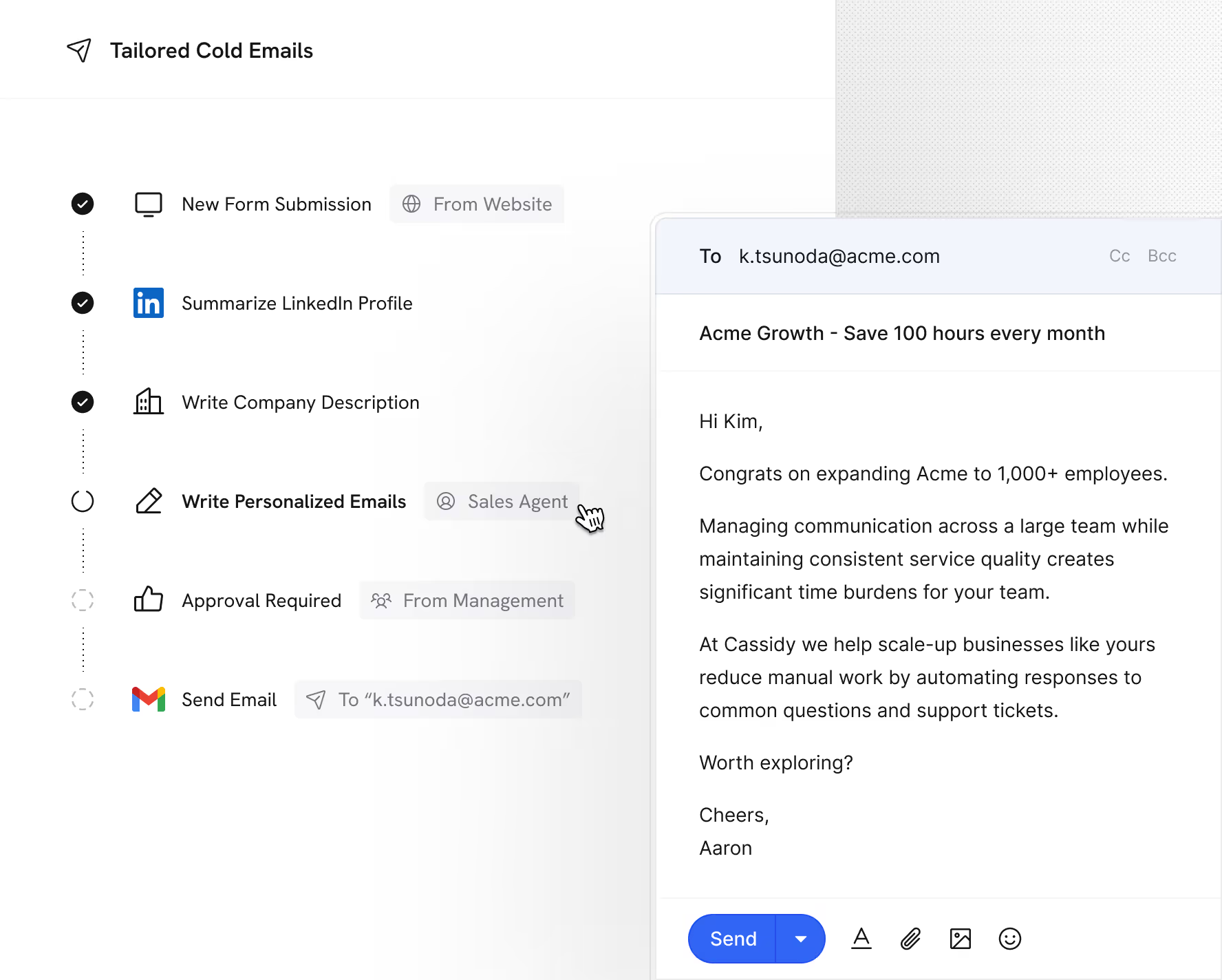
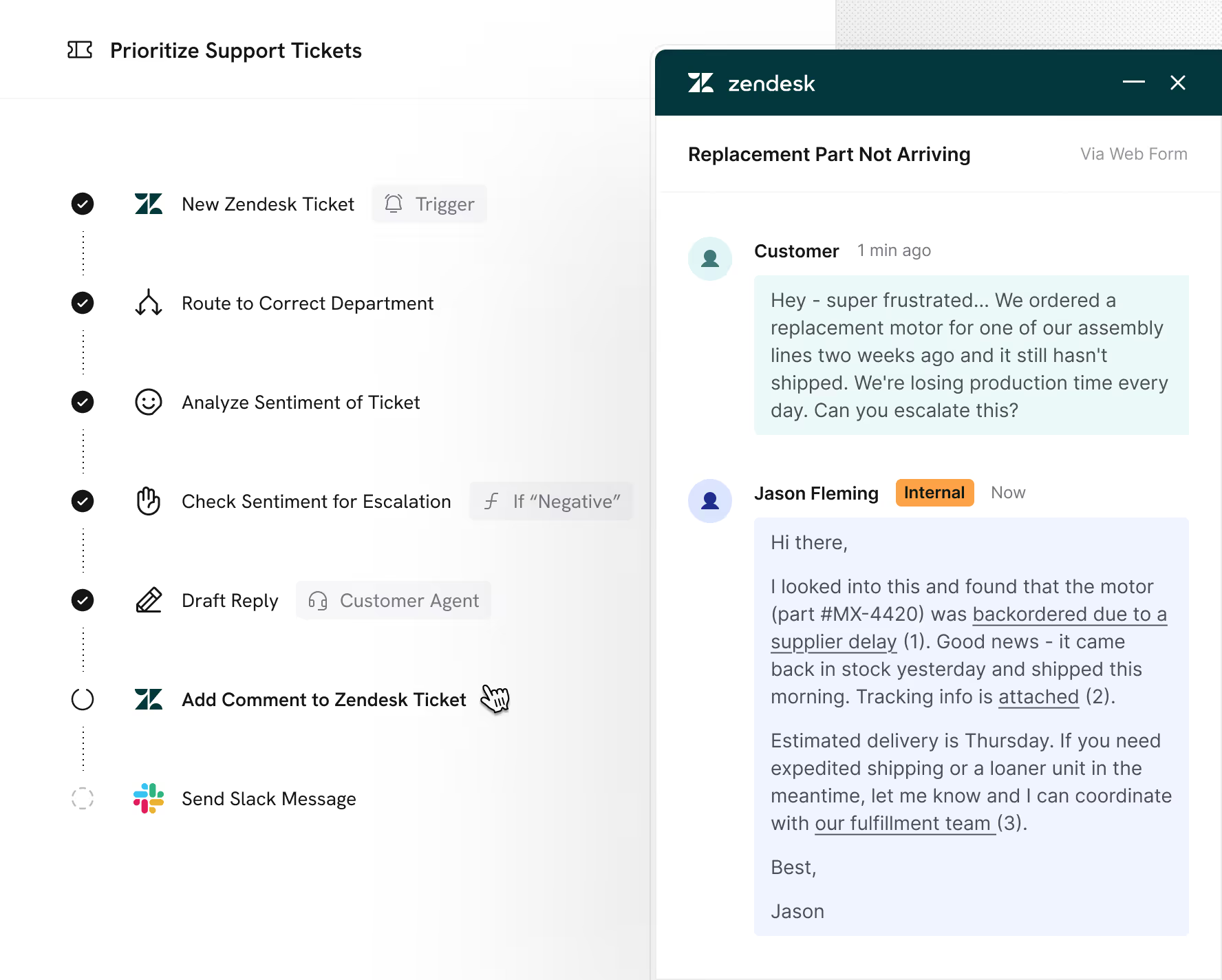
Real use cases powered by Cassidy’s Workflows
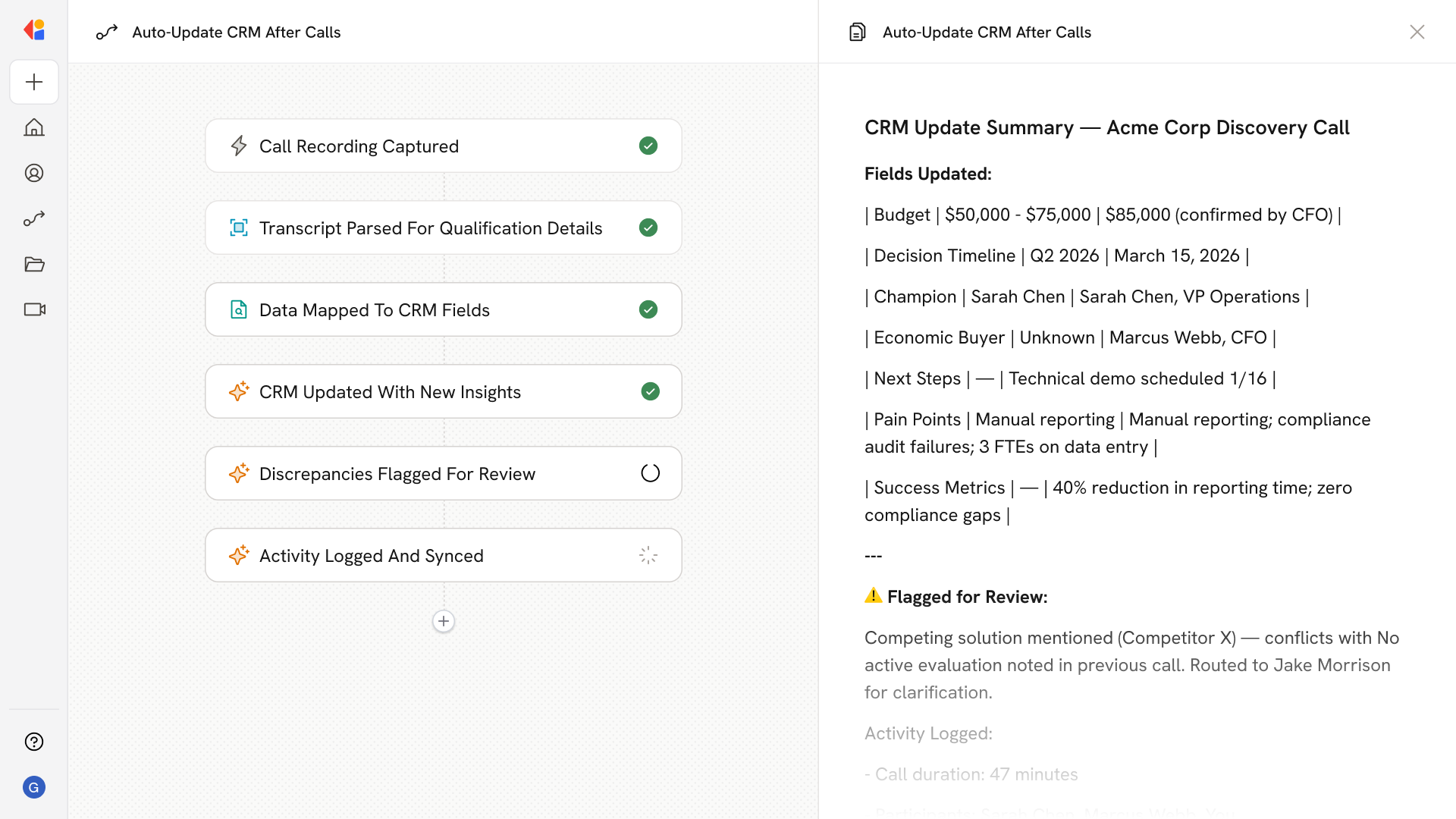
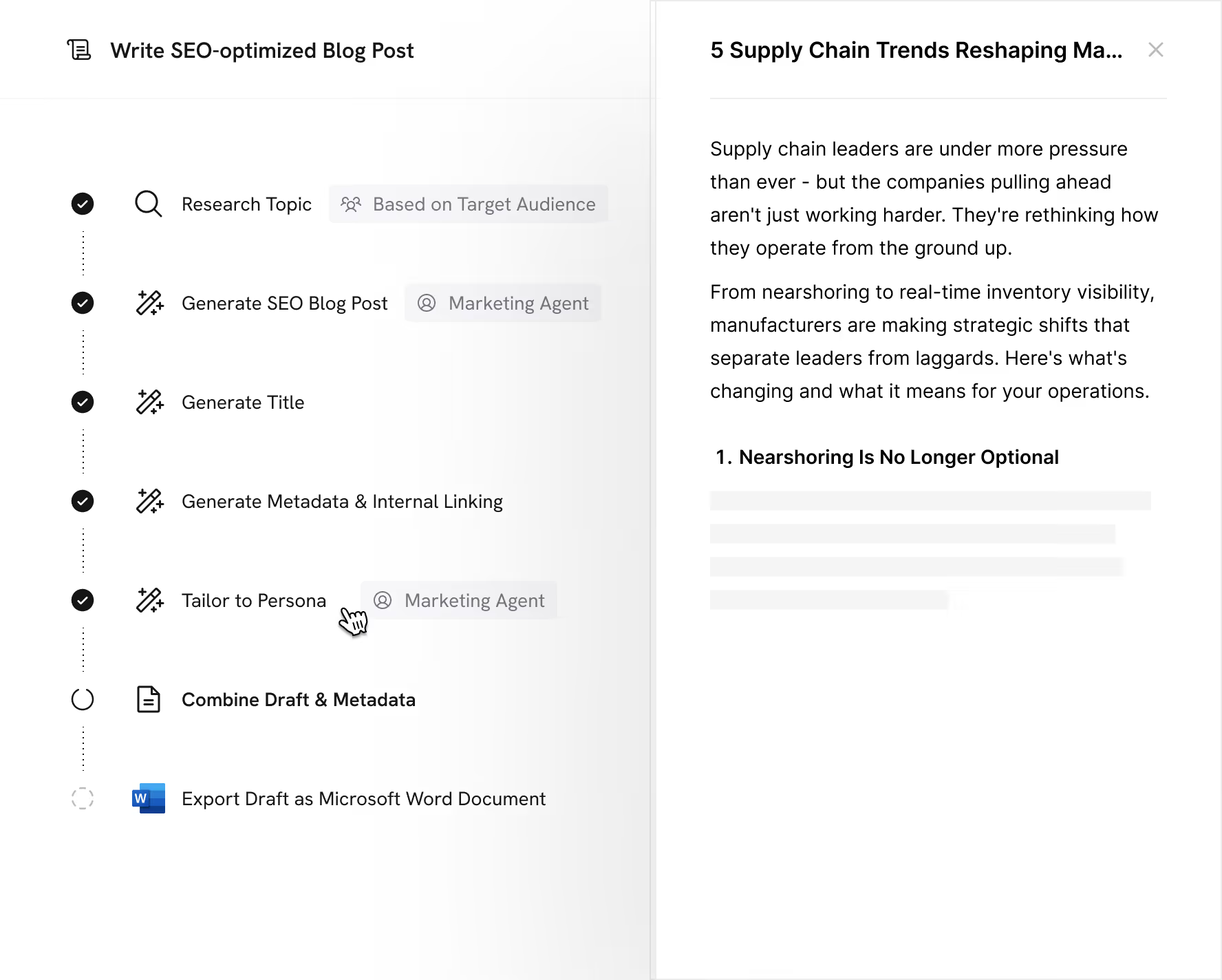
Automate the critical and the mundane work that keeps your best people from focusing on what only they can do.

Connects to the tools your team already uses
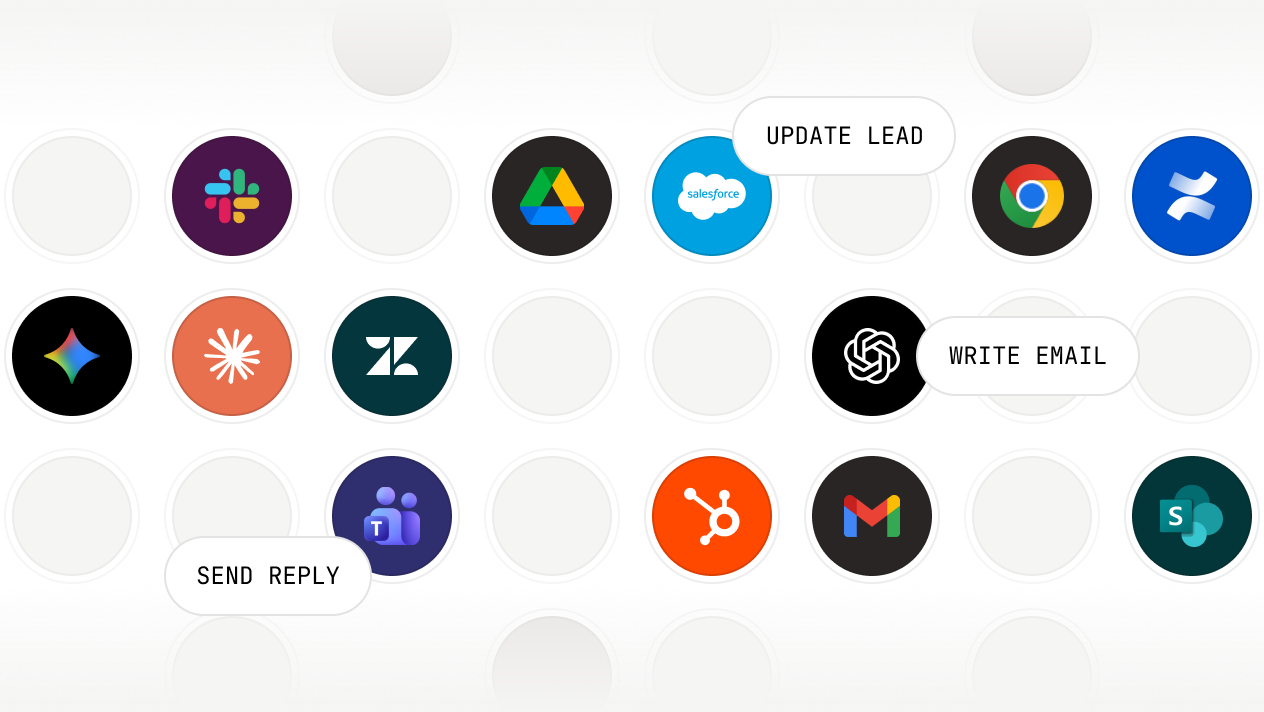
Pull context from anywhere. Take action everywhere.
Deploy where your team works.
Grid of Cassidy integration app icons including OpenAI, Google Drive, Slack, Google Chrome, Confluence, Salesforce, Zendesk, HubSpot, Microsoft Teams, Gmail, and SharePoint with text labels Reply DM, Write Email, Update Lead.

Secure, governed, and ready for enterprise

We maintain compliance with the strictest international security and privacy standards
SOC 2 Type II
GDPR
CASA
HIPAA
No model training on your data
Your information stays private and is never
used for training
Single sign-on (SSO)
Connect your identity provider for secure,
centralized access
Advanced RBAC user permissions
Fine-grained control over access across
teams and roles
Advanced data security
Row-level security and granular access controls protect against unauthorized access
Choose your model
Select from leading models from OpenAI,
Anthropic, and Google
Organization-wide instructions
Set guardrails and rules that apply across every Agent and Workflow

Frequently asked questions

Find answers to common questions about Workflows, security, and getting started. Still have questions? Talk to our team!
What are Cassidy Workflows?

Workflows are multi-step automations that combine triggers, AI reasoning, and actions across your tools. They start from an event—like a new email, form submission, calendar event, or scheduled time—and execute a series of steps you define. At each step, Workflows can pull context from your Knowledge Base, apply logic, generate content, update records, send messages, or route data. Unlike rigid scripts, Workflows can reason through complexity and handle exceptions based on the rules you set.

Do I need technical skills to build a Workflow?

No. Cassidy's no-code builder lets you create Workflows by dragging and dropping actions, configuring inputs, and connecting triggers—all without writing code. The Workflow Copilot helps you structure logic and refine steps using plain language. You can start from templates or build from scratch.

What can trigger a Workflow?

Workflows can start from events in connected tools—new emails, form submissions, calendar events, Slack messages, CRM updates, helpdesk tickets, and more. You can also trigger them via webhook, run them on a recurring schedule, or start them manually.

What actions can Workflows take?

Workflows support 100+ pre-built actions: generate content, search your Knowledge Base, send emails, update Salesforce or HubSpot records, create documents, post Slack messages, route data based on conditions, loop through lists, and more. You can also connect to any service via webhooks and API.

How does Human-in-the-Loop work?

You can insert approval steps anywhere in your Workflow. These pause execution until a person reviews the output, provides input, or approves the next action. Use them for quality checks, sensitive decisions, or anywhere human judgment is required before proceeding.

How do Workflows use my Knowledge Base?

Workflows can pull from your Knowledge Base at any step. Cassidy retrieves relevant documents, policies, or data to inform AI reasoning and generate accurate outputs. Every AI-generated response cites the source it used, so results are traceable and verifiable.

Which AI models do Workflows use?

Cassidy supports models from OpenAI, Anthropic, and Google. You select the model for each step based on the task—writing, reasoning, analysis, or research. New models are added as they become available, and you can switch without rebuilding your Workflows.

Can I control who has access to specific Workflows?

Yes. You can set permissions at the Workflow level to control who can view, edit, run, or deploy. Share org-wide, limit to specific teams, or keep Workflows private. Knowledge Base permissions also apply—Workflows only retrieve information users are authorized to access.

Is my data used to train AI models?

No. Your data is never used to train AI models. It's used only to execute your Workflows and is encrypted in transit and at rest.

Move from idea to production with Cassidy