












AGENTS

Turn your business knowledge into AI Agents anyone can build

Create Agents in minutes with natural language—no code, no technical skills required. Let the people closest to the work build the AI that supports it. Grounded in your sources, trained on your brand, deployed where you work.
Book Demo
Trusted by 20,000+ teams worldwide

Cassidy puts the power to build AI in the hands of the people who know the work so your Agents know it too

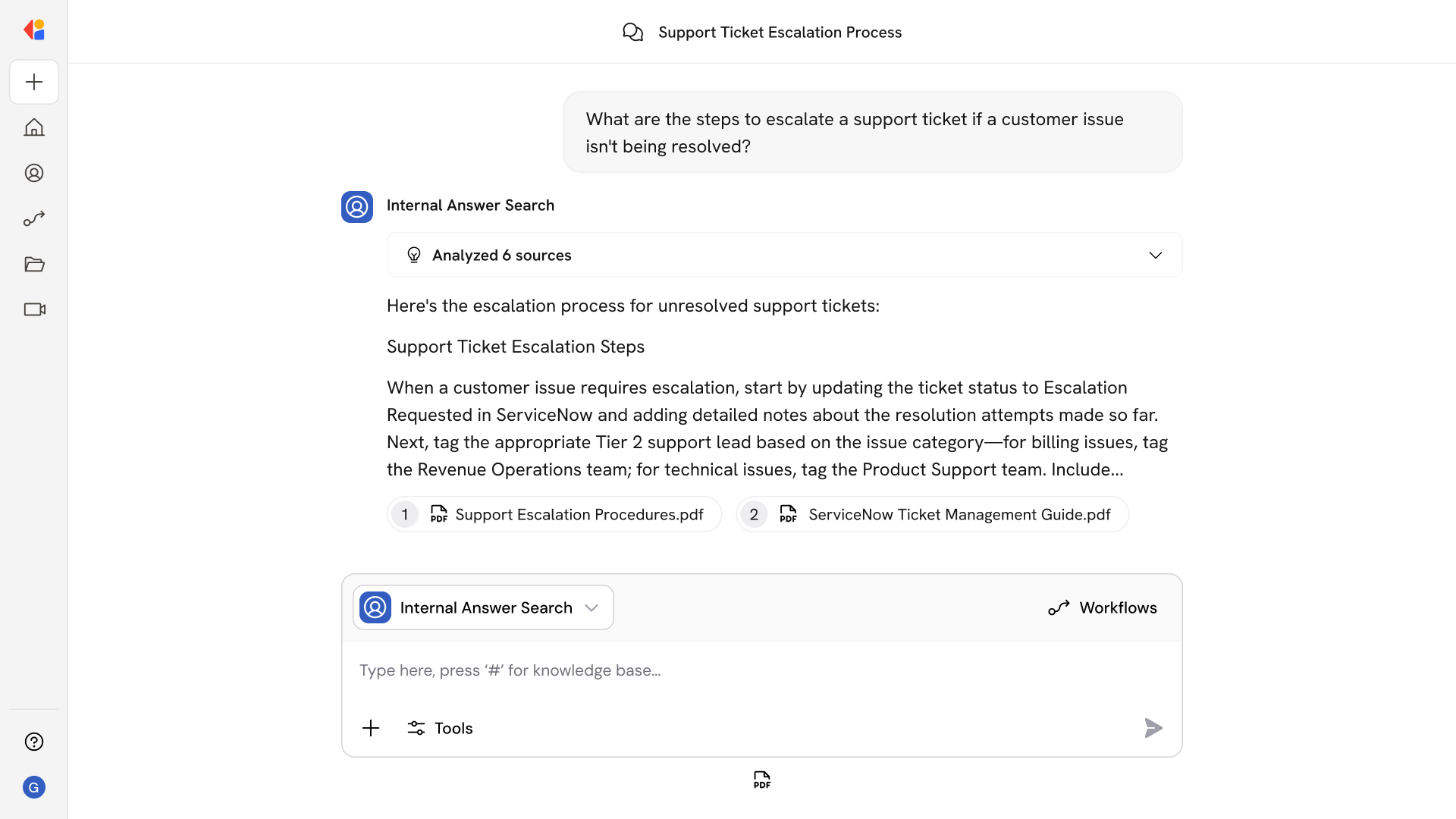
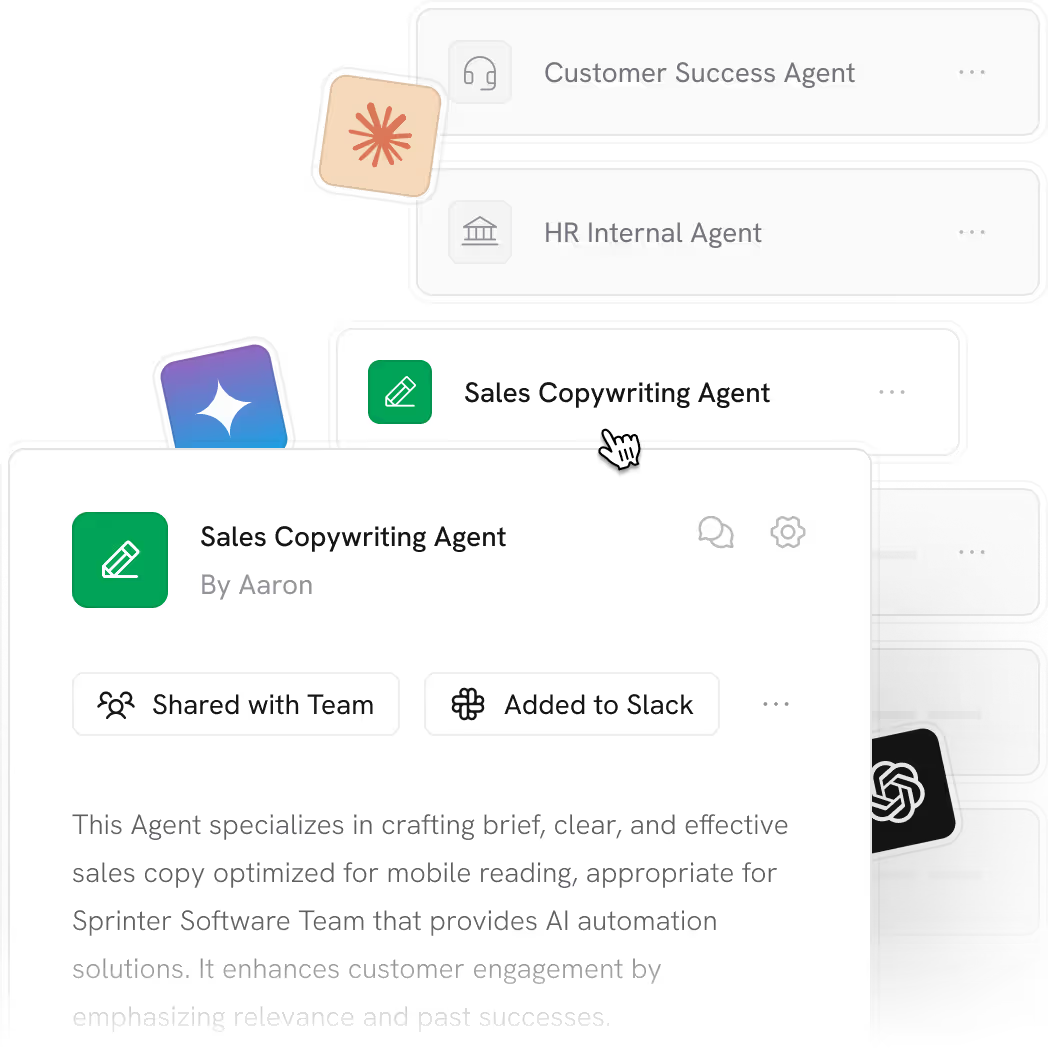
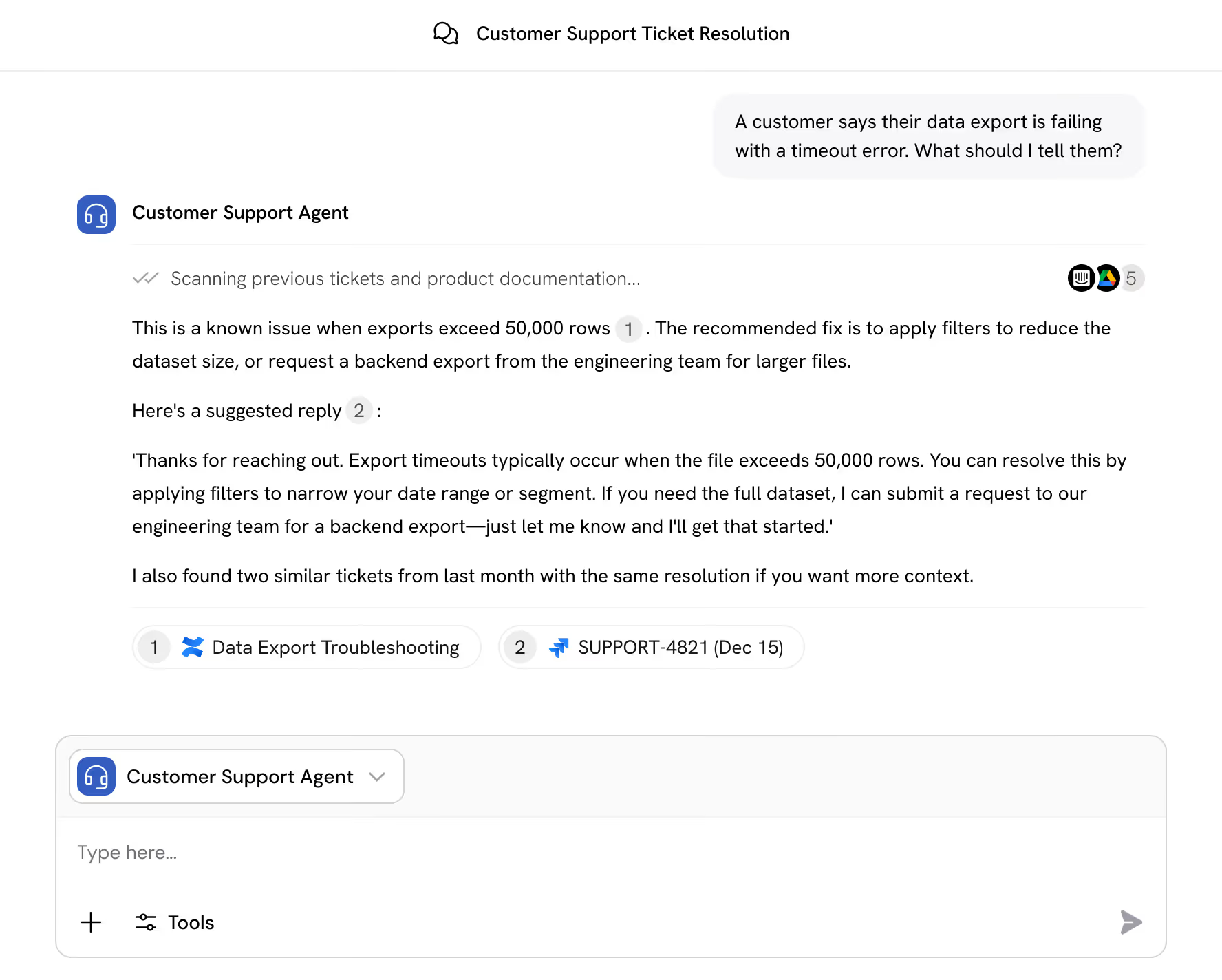
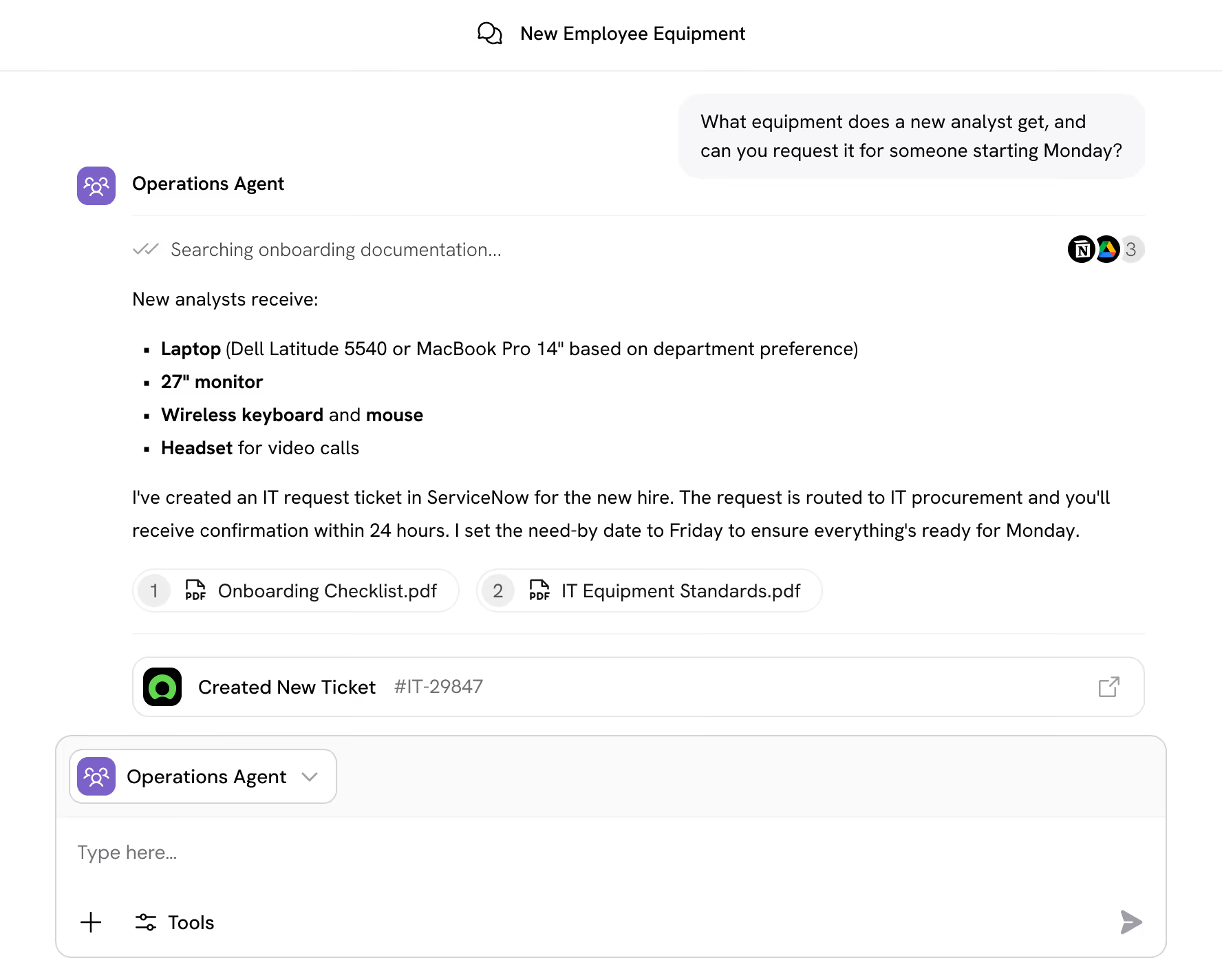
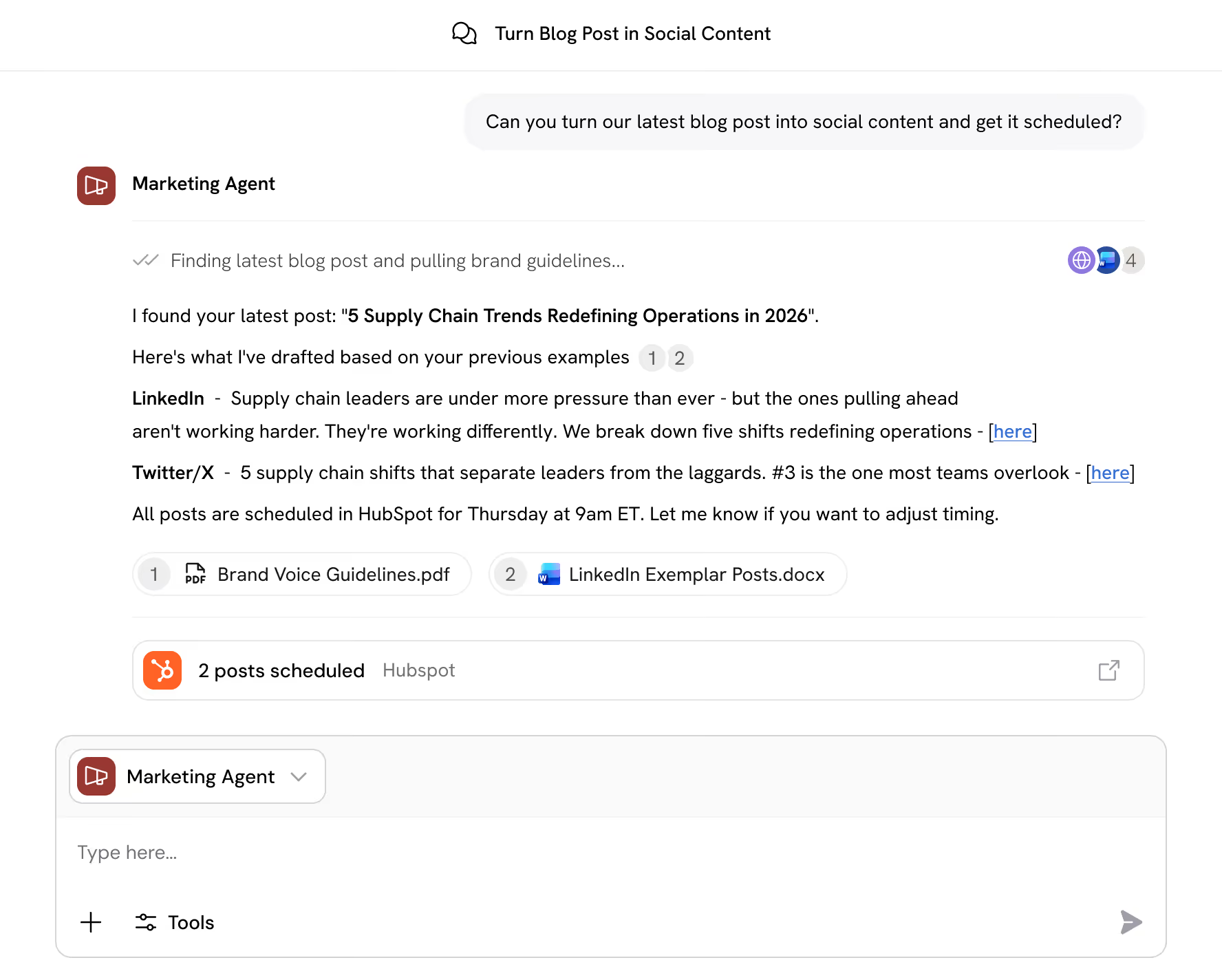
Agents are AI teammates that answer questions, complete tasks, and take action across your tools. They're grounded in your company's knowledge, follow your guidelines, and work alongside your team.
Step 1
Describe your Agent
Tell Cassidy your Agent’s purpose in plain language. Define what it does and who it helps.
Step 2
Give it context
Connect knowledge, set guidelines, and add tools. Configure your Agent with what it needs to get it right.
Step 3
Deploy to your teams
Launch to Slack, Teams, or the browser. Agents are always available wherever work happens.
Knowledge base

Grounded in your business, not generic training data
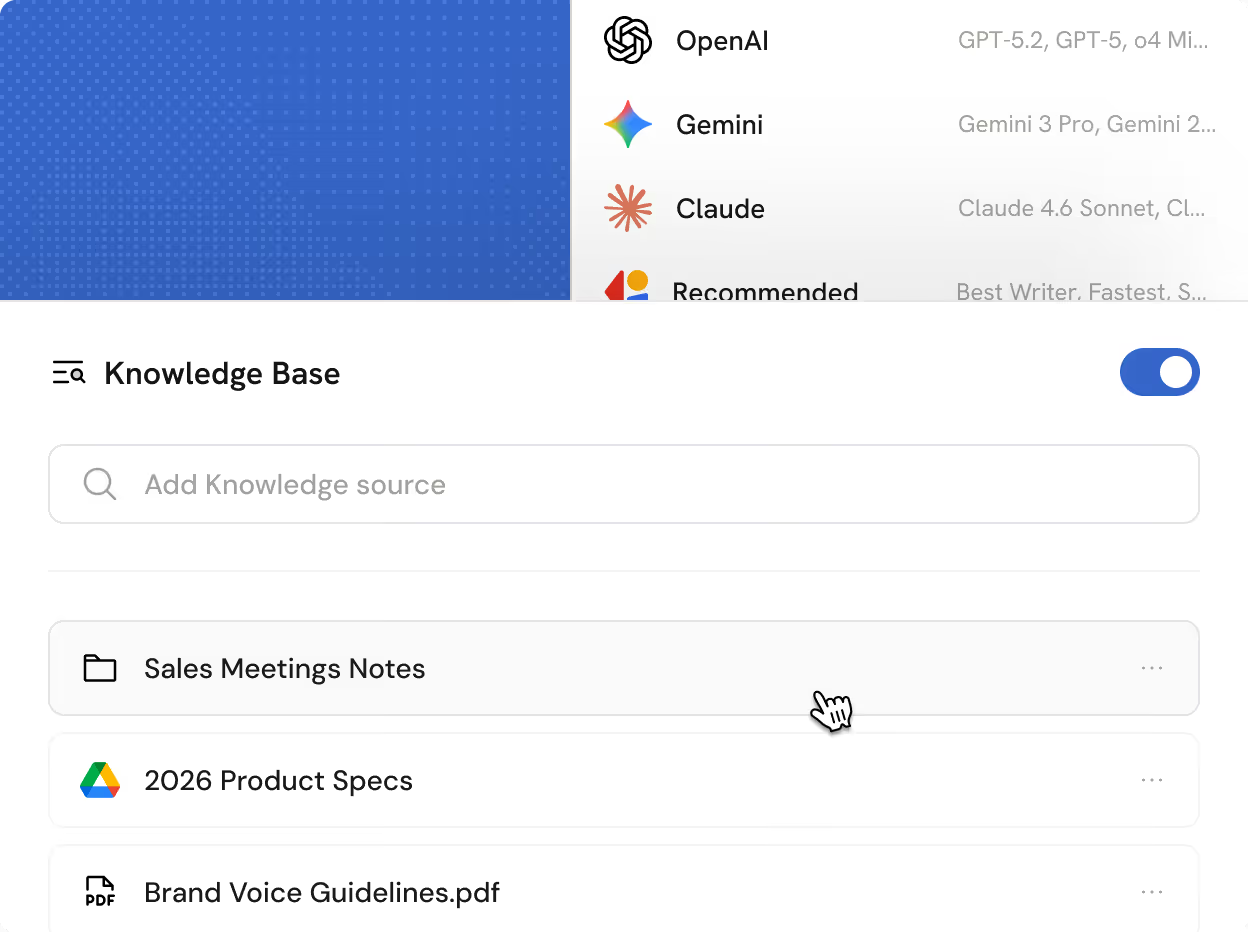
Your Agents pull from the same sources your best people use—documents, wikis, transcripts, and more. Responses reflect your brand voice and cite the exact source. Pair your knowledge with the best AI models from OpenAI, Anthropic, and Google—and switch as better ones arrive.
Book Demo
User interface showing a Knowledge Base section with a search bar and three items: Sales Meetings Notes folder, 2026 Product Specs Google Drive file, and Brand Voice Guidelines PDF.
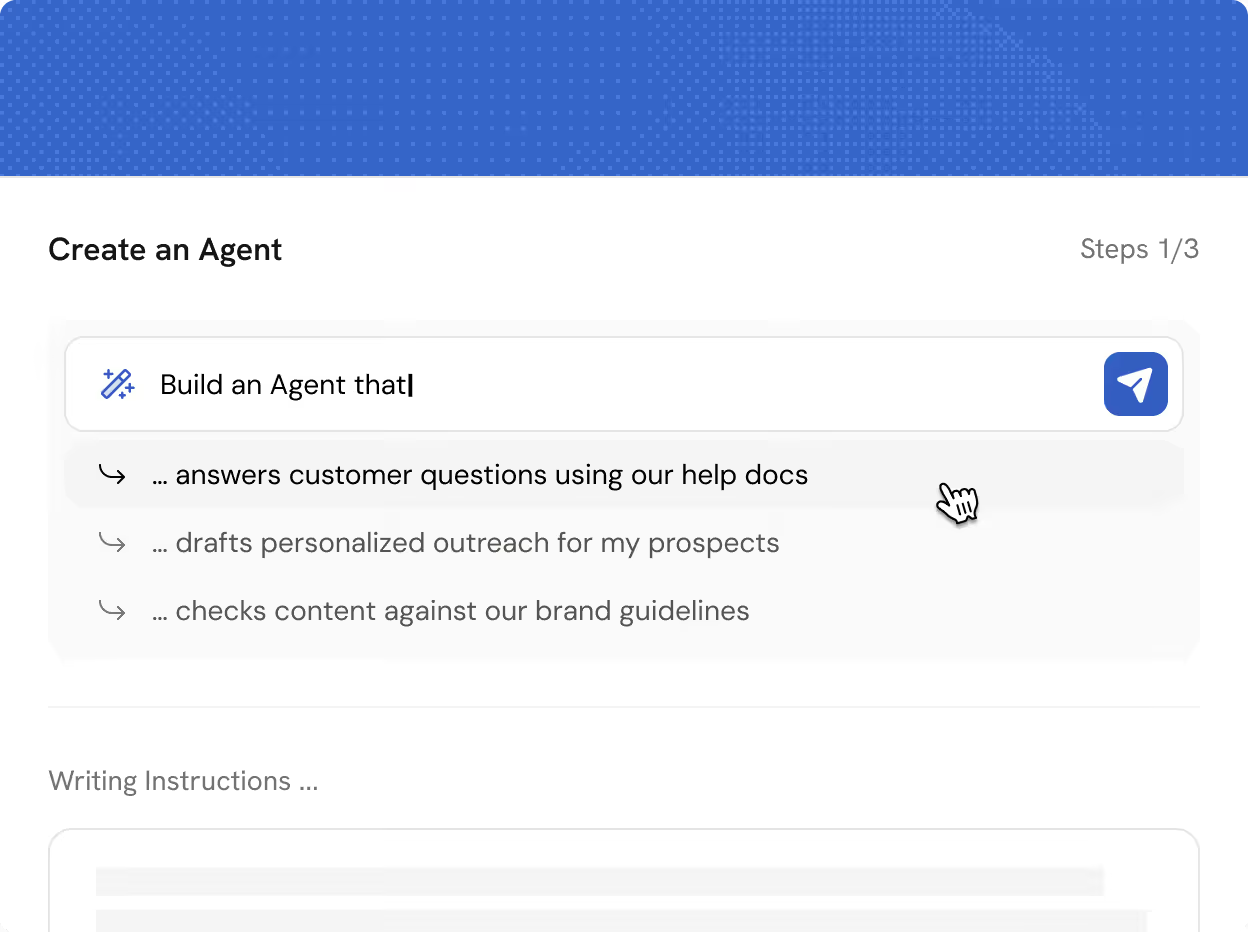
Interface for creating an agent with options to build an agent that answers customer questions, drafts personalized outreach, or checks content against brand guidelines.
No-code

From idea to Agent without writing a line of code

Meet your AI building partner. Cassidy's Copilot helps you configure Agents by working alongside you—refining prompts, suggesting structure, and dialing in the details. Start from templates or build from scratch. No developers, no delays, no handoffs.
Book Demo
Skills

Agents that reason, search, and execute with human-level quality
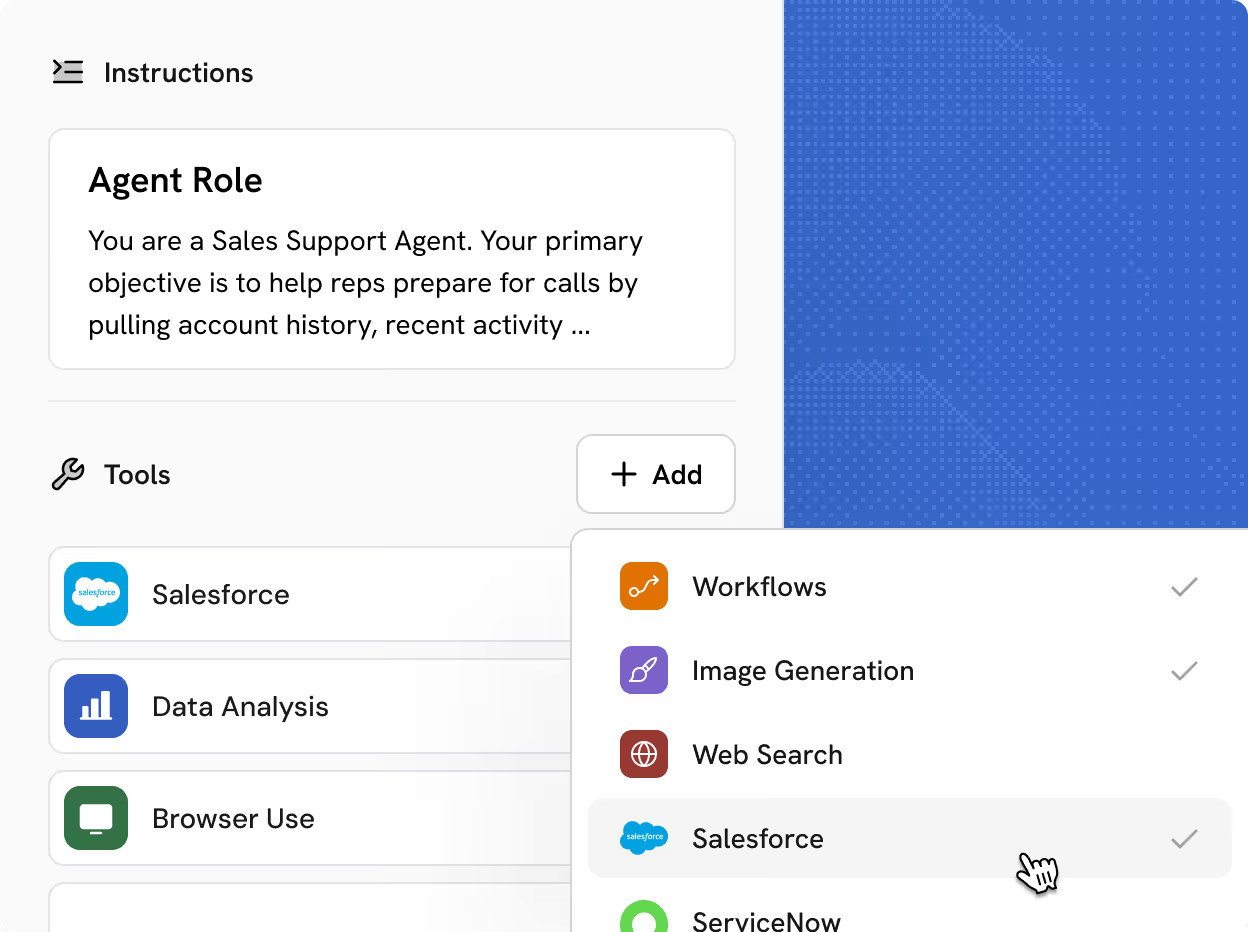
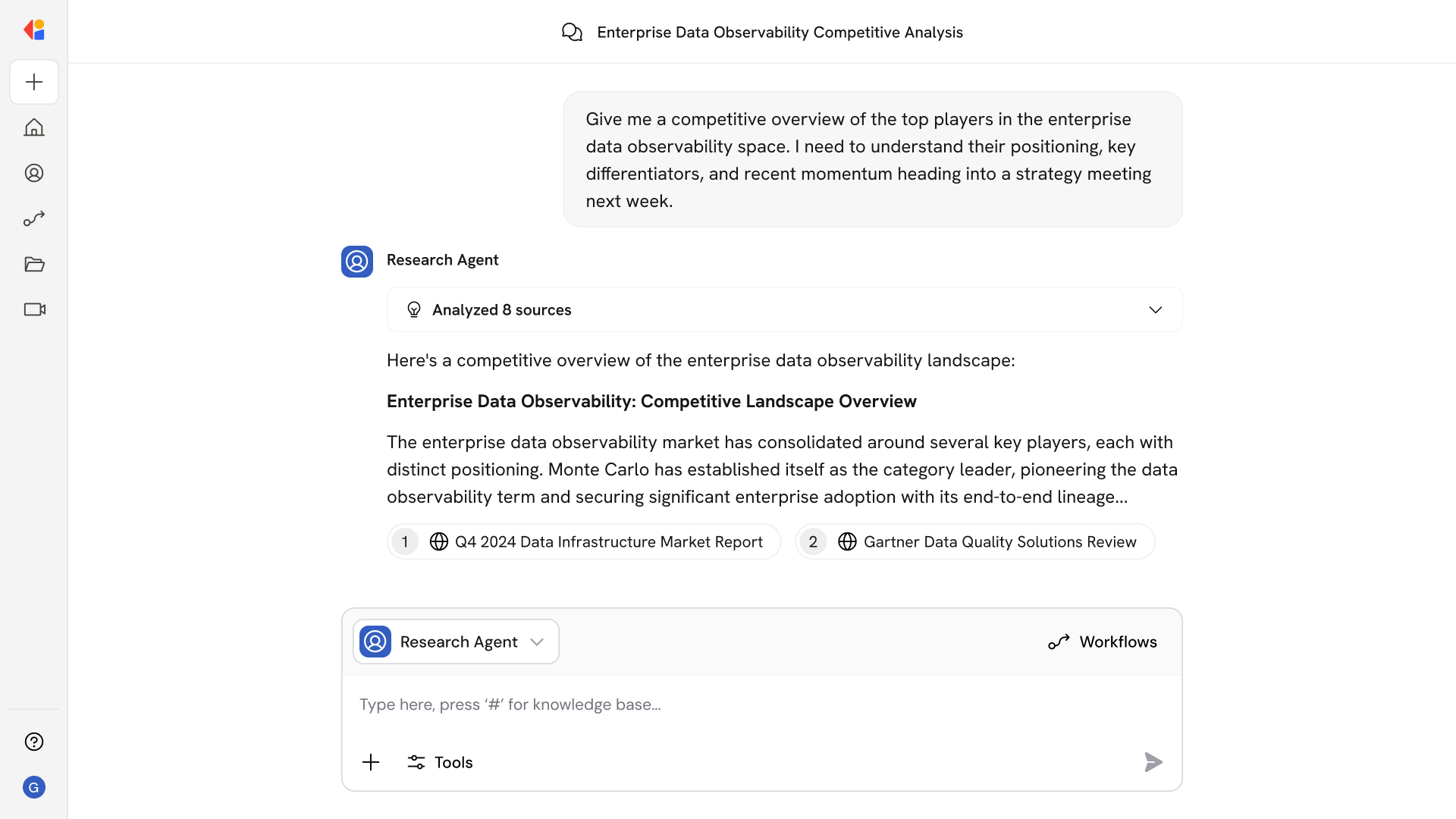
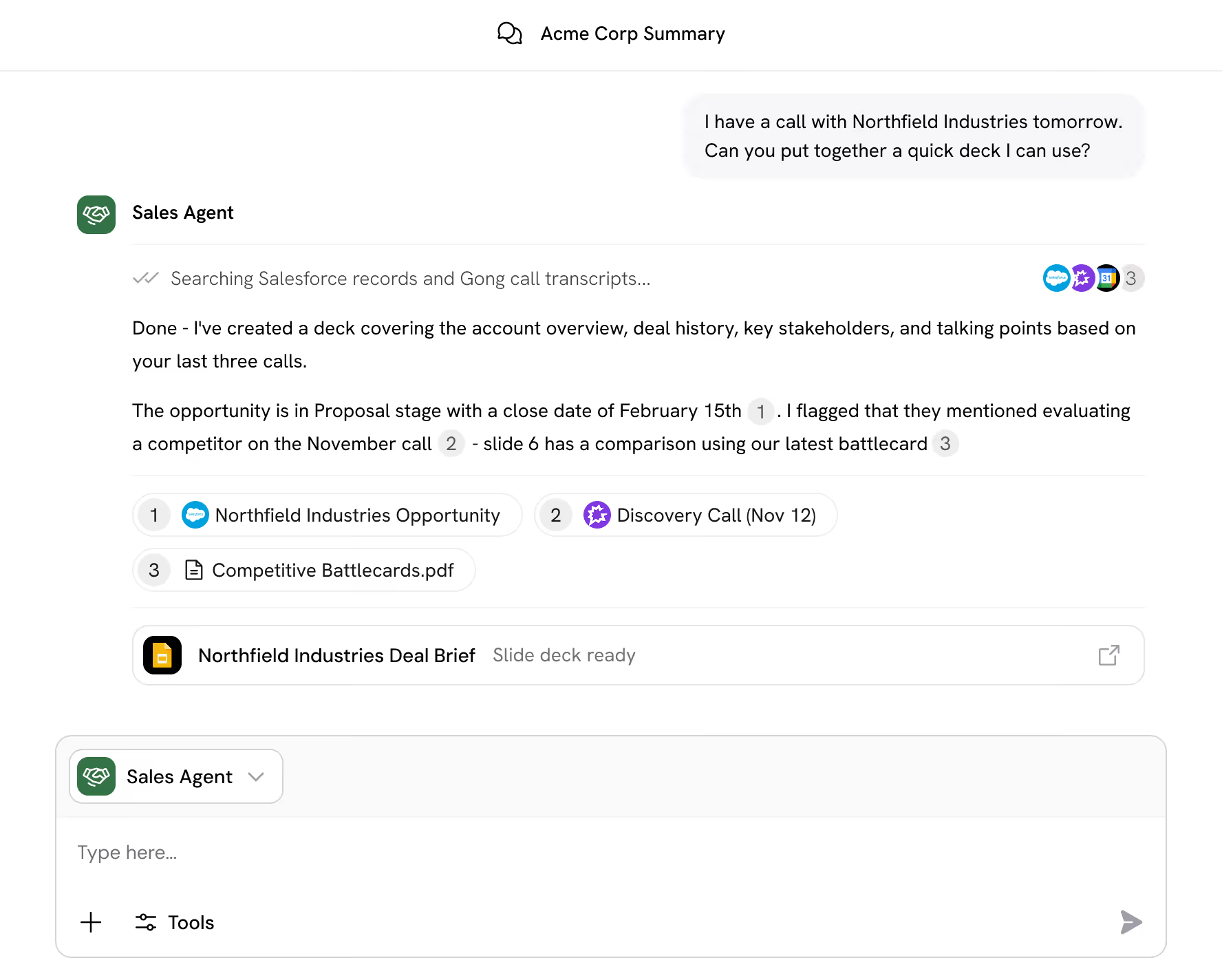
Cassidy Agents go far beyond chat. They can search the web, read your Knowledge Base, analyze data, and trigger Workflows across your apps. Set instructions so every Agent behaves exactly as you'd expect—consistent, accurate, on-brand.
Book Demo
User interface showing a Sales Support Agent role with tools like Salesforce, Data Analysis, and Browser Use, and a dropdown menu with options including Workflows, Image Generation, Web Search, Salesforce selected, and ServiceNow.
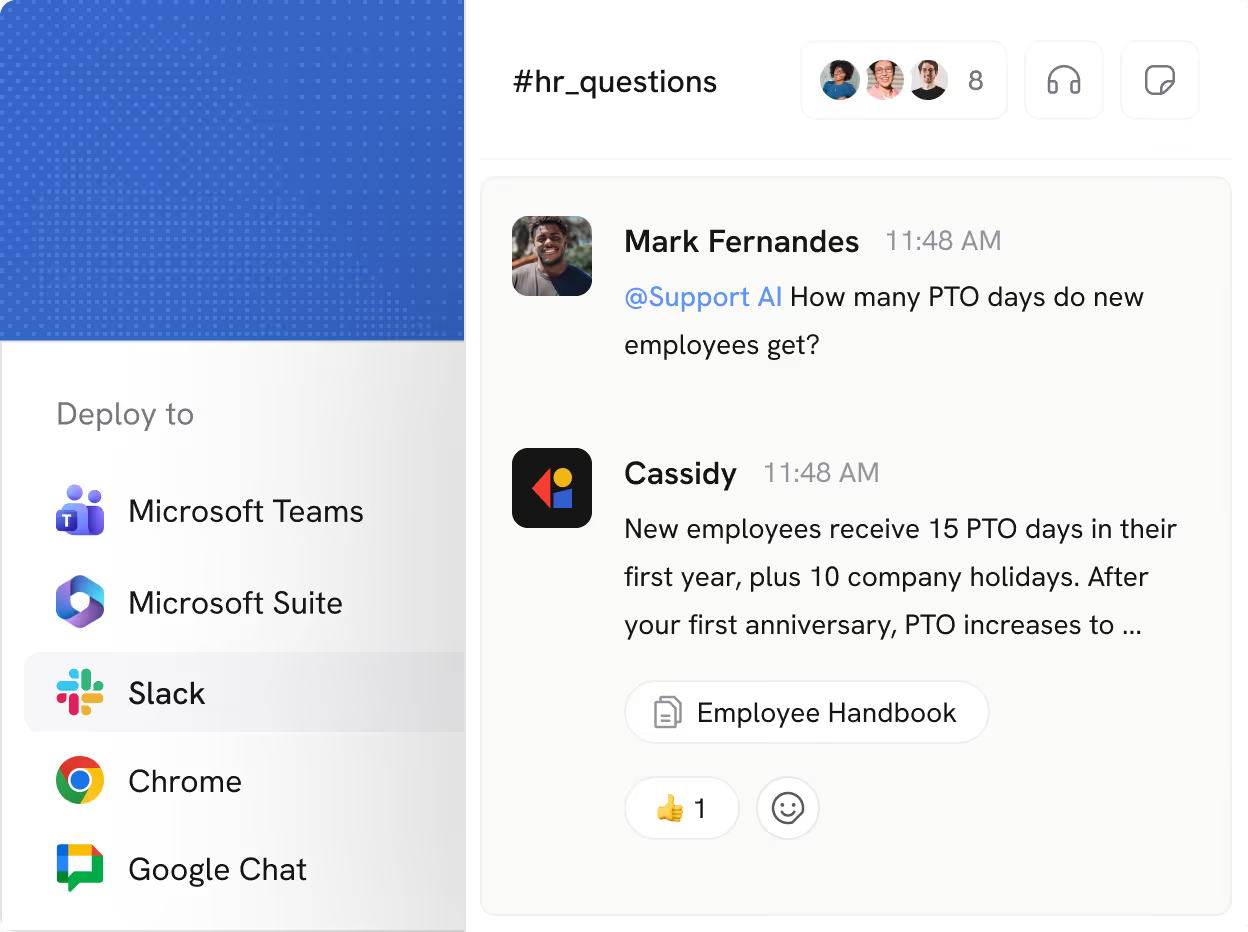
Chat interface showing a question about PTO days from Mark Fernandes and a reply from Cassidy explaining new employees get 15 PTO days plus 10 holidays with an increase after the first anniversary. Sidebar lists deploy options: Microsoft Teams, Microsoft Suite, Slack, Chrome, Google Chat.
deployments

Embed Agents across your existing tech stack

Get answers in Slack, Teams, or Google Chat without pinging a teammate. Draft in Word, respond in Outlook, analyze in Excel. Cassidy Agents live inside the tools your team uses every day.
Book Demo

More features to explore

Additional ways to customize, control, and scale your Agents.
Integration tools
Chat with live data from Salesforce, HubSpot, Airtable, and more—right inside your Agent conversations
Version & chat history
Monitor past chats, publish updates to improve performance, and roll back changes when needed
Sharing & permissions
Control who can view, use, edit, or deploy each Agent—from org-wide to private
Call Workflow
Trigger multi-step Workflows directly from a conversation to take action across your stack
Data analysis
Upload spreadsheets and let Agents analyze, interpret, and visualize your data
Brand voice
Train Agents on your style guides and sample content so every response sounds like you

Real use cases powered by Cassidy’s Agents

Automate the critical and the mundane work that keeps your best people from focusing on what only they can do.

Connects to the tools your team already uses
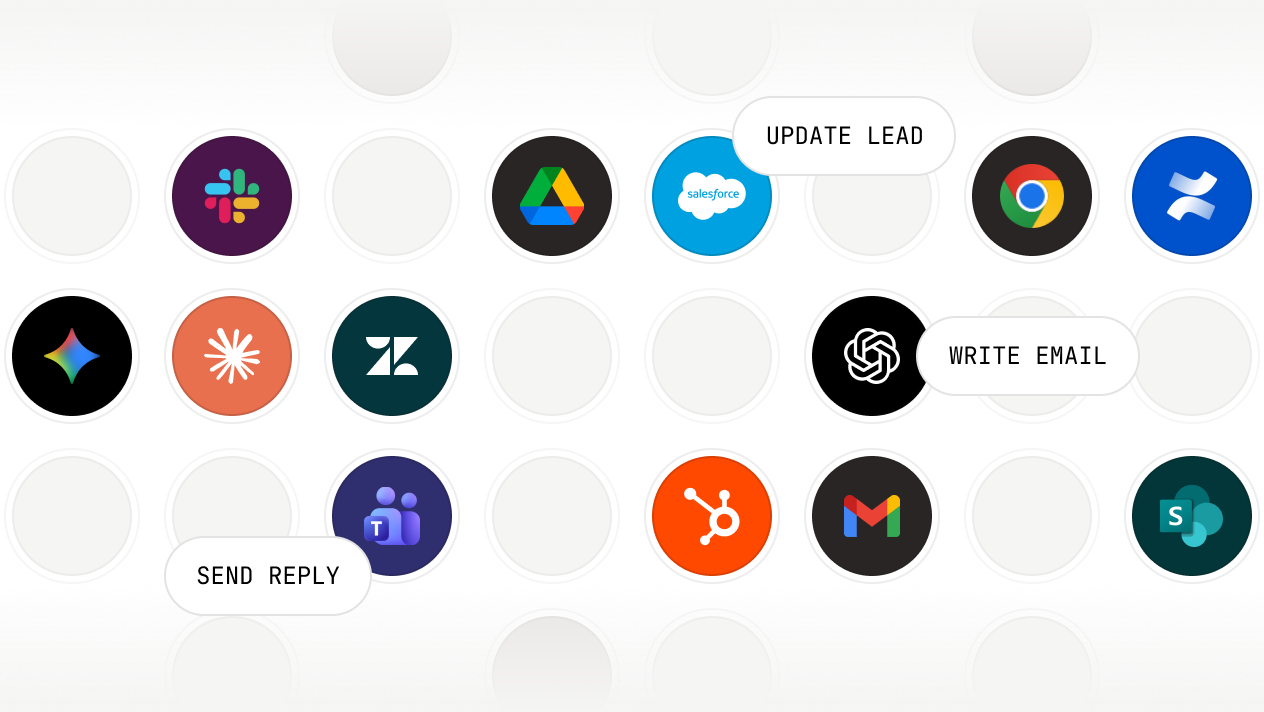
Pull context from anywhere. Take action everywhere.
Deploy where your team works.
Grid of Cassidy integration app icons including OpenAI, Google Drive, Slack, Google Chrome, Confluence, Salesforce, Zendesk, HubSpot, Microsoft Teams, Gmail, and SharePoint with text labels Reply DM, Write Email, Update Lead.

Secure, governed, and ready for enterprise

We maintain compliance with the strictest international security and privacy standards
SOC 2 Type II
GDPR
CASA
HIPAA
No model training on your data
Your information stays private and is never
used for training
Single sign-on (SSO)
Connect your identity provider for secure,
centralized access
Advanced RBAC user permissions
Fine-grained control over access across
teams and roles
Advanced data security
Row-level security and granular access controls protect against unauthorized access
Choose your model
Select from leading models from OpenAI,
Anthropic, and Google
Organization-wide instructions
Set guardrails and rules that apply across every Agent and Workflow

Frequently asked questions

Find answers to common questions about the Knowledge Base, security, and getting started. Still have questions? Talk to our team!
What are Cassidy Agents?

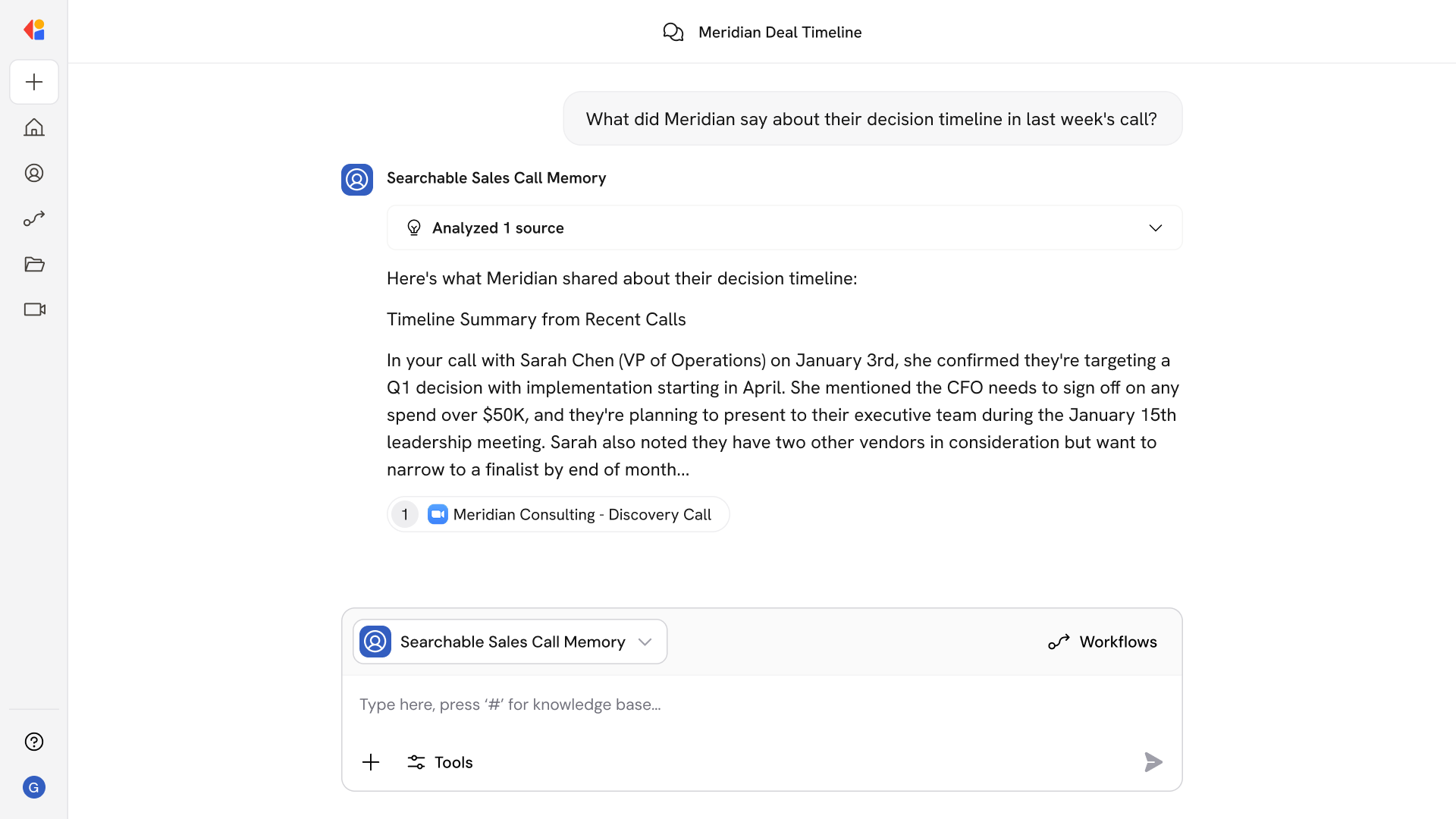
Agents are context-aware AI teammates you can build for any role or function. They answer questions, complete tasks, and take action across your tools—grounded in your Knowledge Base and trained on your company's guidelines. Think of them as always-available experts: a sales rep who knows every deal, a support lead who's read every ticket, or an HR specialist who never forgets a policy. Deploy them to Slack, Teams, or the browser and they're ready to work alongside your team.

Do I need technical skills to build an Agent?

No. If you can describe what you need, you can build it. Cassidy's Copilot works alongside you—helping you configure prompts, connect knowledge, and refine behavior using plain language. Start from 80+ templates or build from scratch. No code, no developers, no IT tickets required.

How do Agents stay accurate and on-brand?

Agents pull from your Knowledge Base and cite their sources, so every response is traceable to your actual business knowledge. Citations are deep-linked—your team can click through to see the exact source in context. You can also train Agents on your brand voice by uploading style guides, sample content, or tone guidelines—so responses match how your company actually communicates. Set instructions, guidelines, and guardrails to ensure Agents follow your terminology and company policies consistently.

What can Agents do beyond answering questions?

Agents reason through complex, multi-step requests and take real action. They can search the web for real-time information, read and analyze documents from your Knowledge Base, process data in spreadsheets, and trigger Workflows across your connected apps. You define what tools and actions each Agent has access to—so they do exactly what you need, nothing more.

Where can I deploy Agents?

Anywhere your team already works. Deploy to Slack, Microsoft Teams, Google Chat, or embed directly on your website. Access Agents via Chrome or Edge extensions, or integrate through the API for custom applications. Agents also work inside Microsoft Word, Excel, and Outlook—both online and desktop versions—so your team gets answers and takes action without switching tools or breaking focus.

Can I control who has access to specific Agents?

Yes. Cassidy supports granular, role-based permissions so you can control which users or teams can view, use, edit, or deploy specific Agents. Share an Agent org-wide, limit it to a department, or keep it private. Access controls also extend to knowledge—Agents only retrieve information users are authorized to see.

Which AI models do Agents use?

Cassidy supports leading models from OpenAI, Anthropic, and Google. You choose the best model for each Agent based on the task—whether it's writing, research, or complex reasoning. As new models are released, they're available in your workspace so your Agents stay current without rebuilding.

Is my data used to train AI models?

No. Your data stays private. Cassidy never uses your Knowledge Base content or Agent conversations to train AI models—it's used solely to provide context for your Agents and Workflows. All data is encrypted in transit and at rest.

Move from idea to production with Cassidy