Onboarding Agents for New Employees
How does it work?
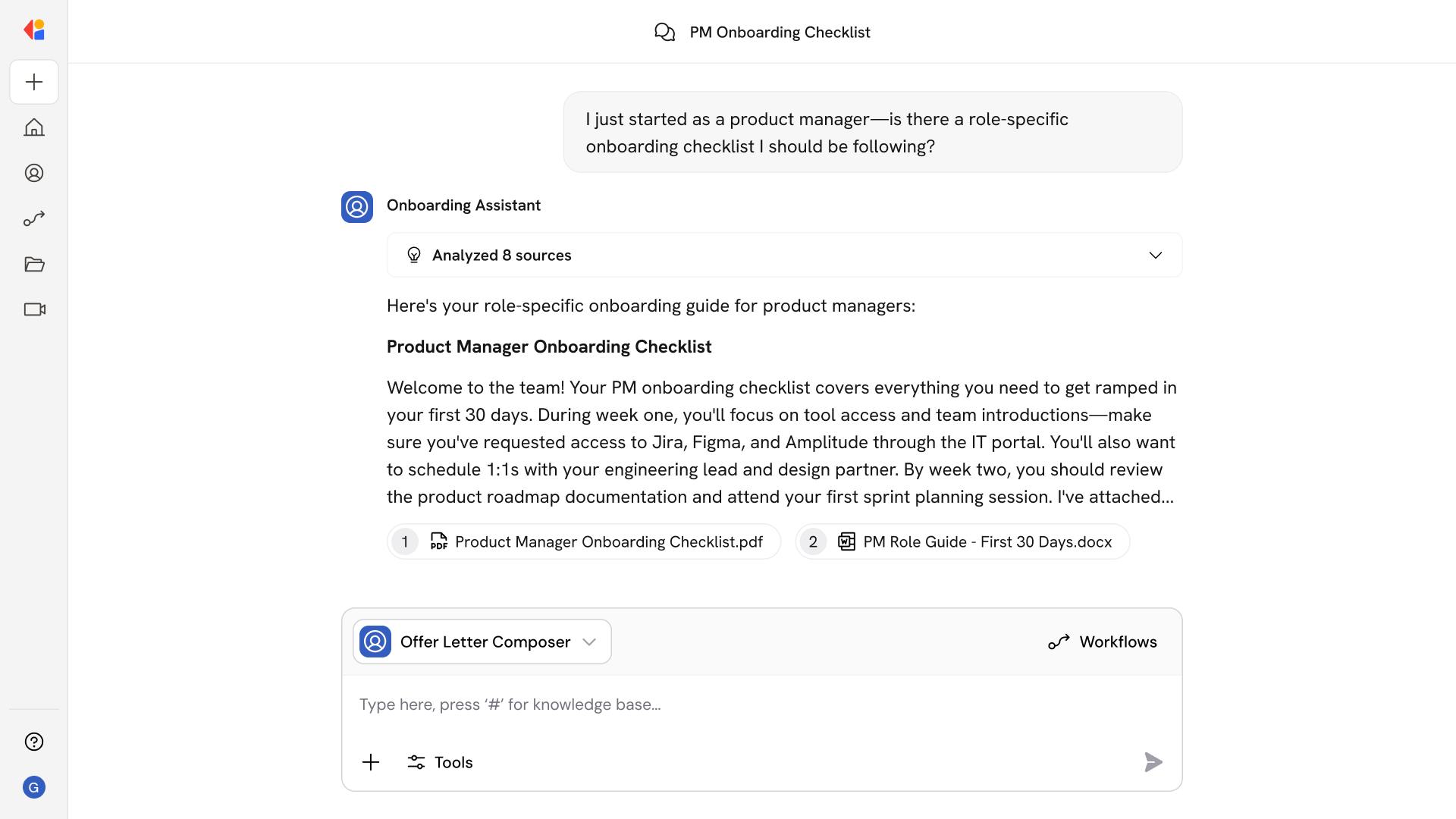
Onboarding Agents handle the questions that flood HR inboxes and Slack channels during a new hire's first weeks. Ask questions like:
- How do I set up direct deposit for my paycheck?
- What's the process for requesting PTO?
- Where do I find the brand guidelines for my team?
- Who do I contact about laptop issues?
- What tools do I need access to as a sales rep?
- When is the next benefits enrollment period?
- What's the policy on remote work?
- Where can I find the engineering team's coding standards?
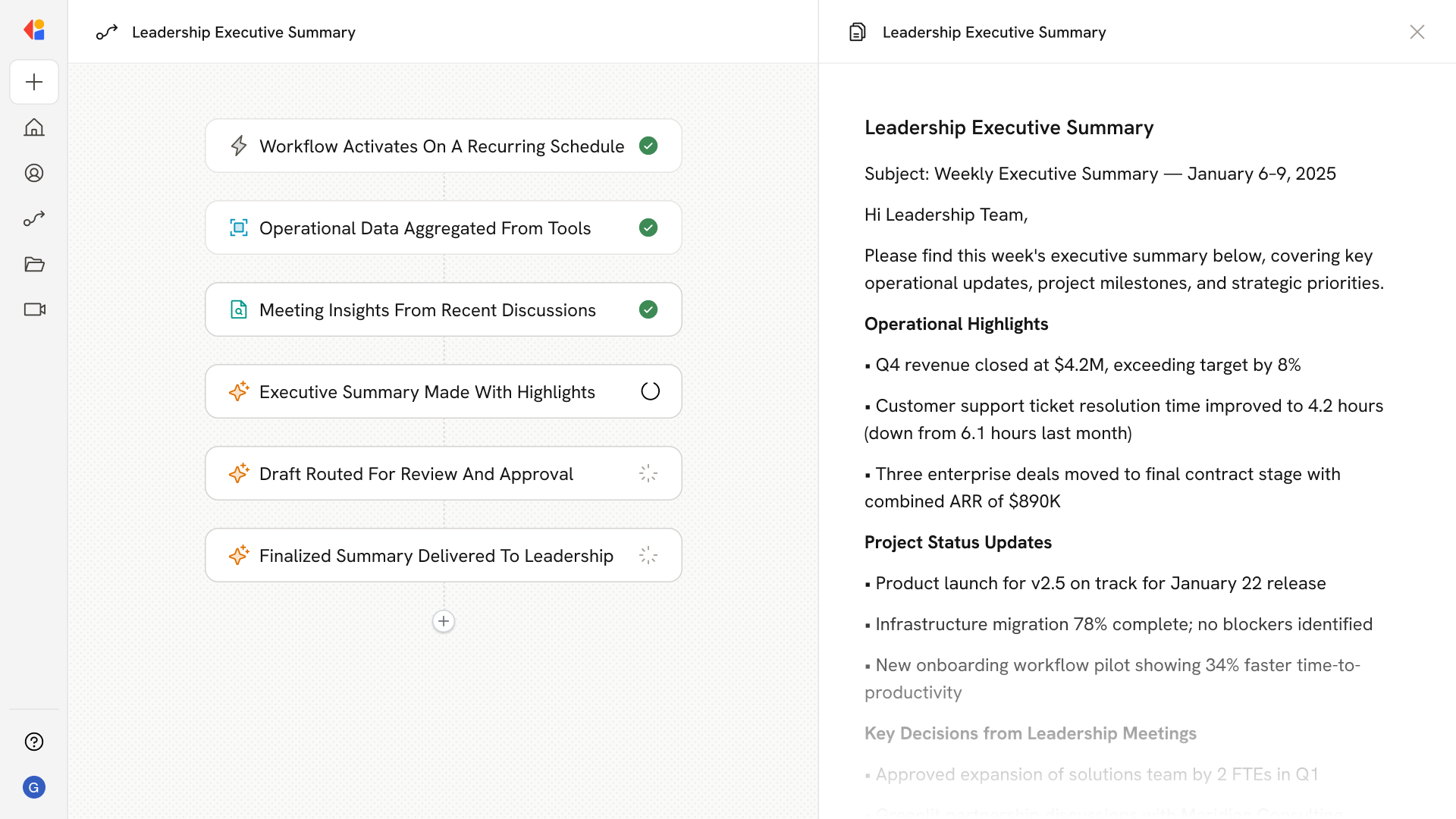
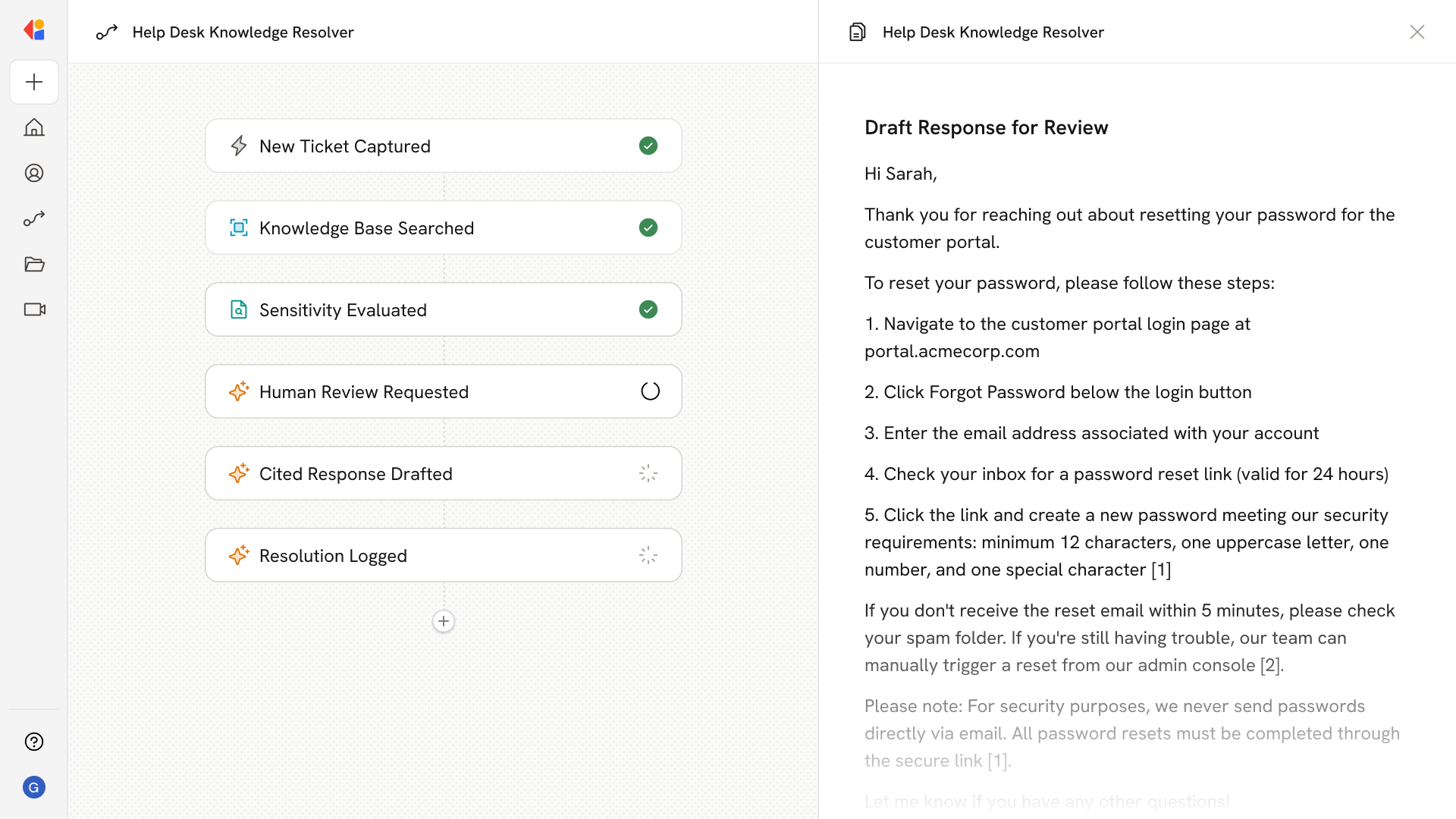
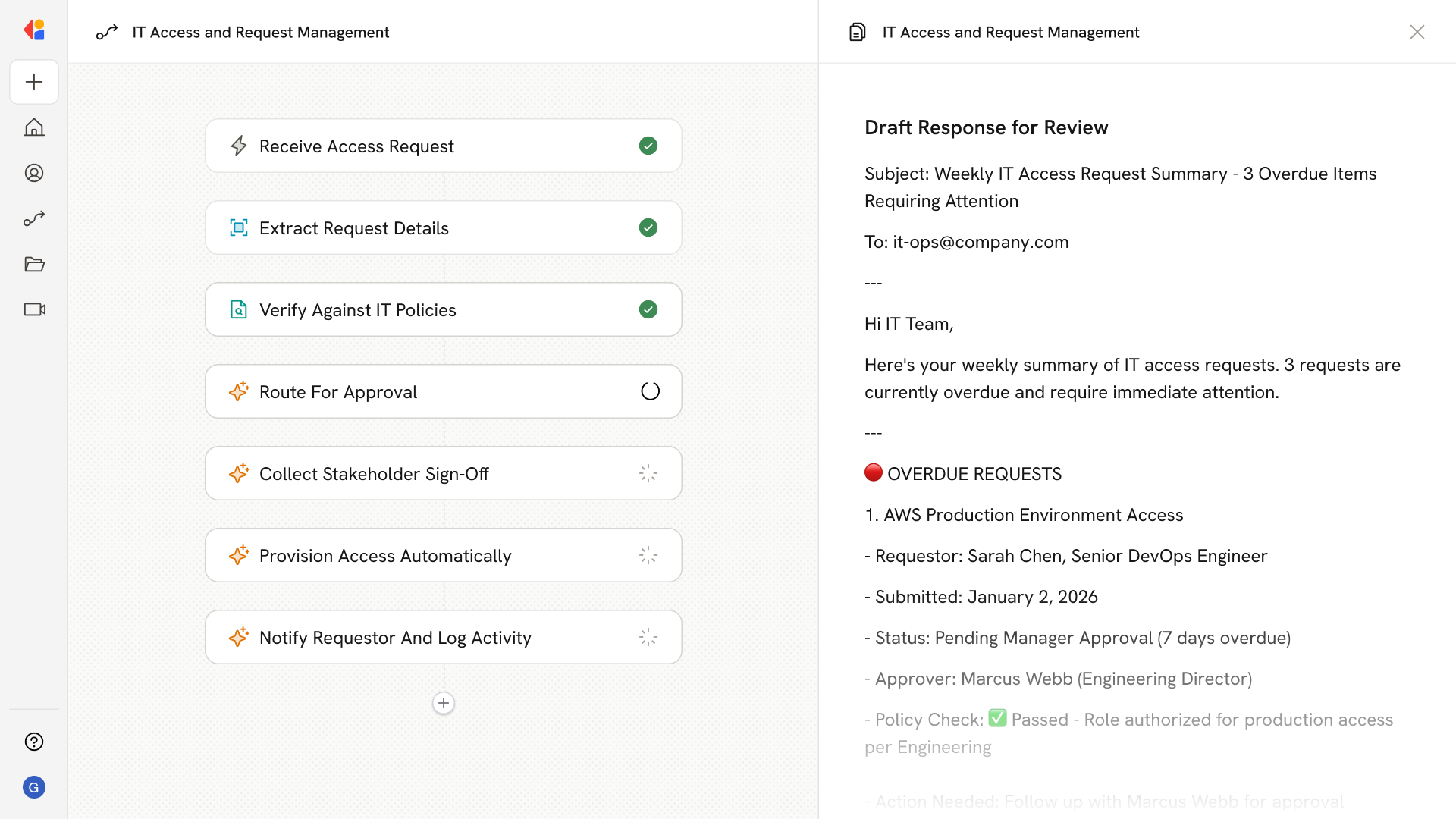
The Agent pulls from HR documents, team wikis, onboarding checklists, and internal FAQs to give new hires answers instantly—without waiting for someone to get back to them.
Who uses Onboarding Agents for New Employees?
Onboarding Agents are built for anyone involved in bringing new employees up to speed:
- New hires navigating their first weeks and needing quick answers without interrupting colleagues
- HR teams fielding repetitive questions about policies, benefits, and procedures
- Managers ensuring direct reports have the resources they need to ramp quickly
- People Operations scaling onboarding support across departments without adding headcount
It's especially valuable for distributed teams and high-growth companies where new hires can't just tap a neighbor on the shoulder—and where HR can't personally guide every employee through every checklist.
How does Onboarding Agents for New Employees use your Knowledge Base?
Onboarding Agents search across your connected sources—including Confluence wikis, SharePoint documents, Google Drive folders, Notion pages, and Slack channels—to surface role-specific answers and resources in one place.
When a new hire asks a question, the Agent:
- Pulls from HR policies, employee handbooks, and benefits documentation
- References role-specific onboarding checklists and training materials
- Surfaces relevant SOPs, team wikis, and process guides
- Finds answers from internal FAQs and past Slack conversations
Because the Knowledge Base syncs continuously, new hires always get answers based on the latest policies and procedures—not outdated documents buried in a shared drive.
Implement it inside your company
- Hands-on onboarding and support
- Self-paced training for your team
- Dedicated implementation experts
- Ongoing use case discovery
- ROI tracking & analytics dashboards
- Proven playbooks to get started fast