Internal Answer Search
How does it work?
Internal Answer Search handles the everyday questions that slow teams down and pull experts away from focused work. Ask questions like:
- What's our policy on remote work requests?
- How do I submit a PTO request?
- What's the process for onboarding a new vendor?
- Where can I find the brand guidelines for customer presentations?
- What are the steps to escalate a support ticket?
- Who do I contact for facilities issues?
- What benefits are available for part-time employees?
- How do I request access to a new software tool?
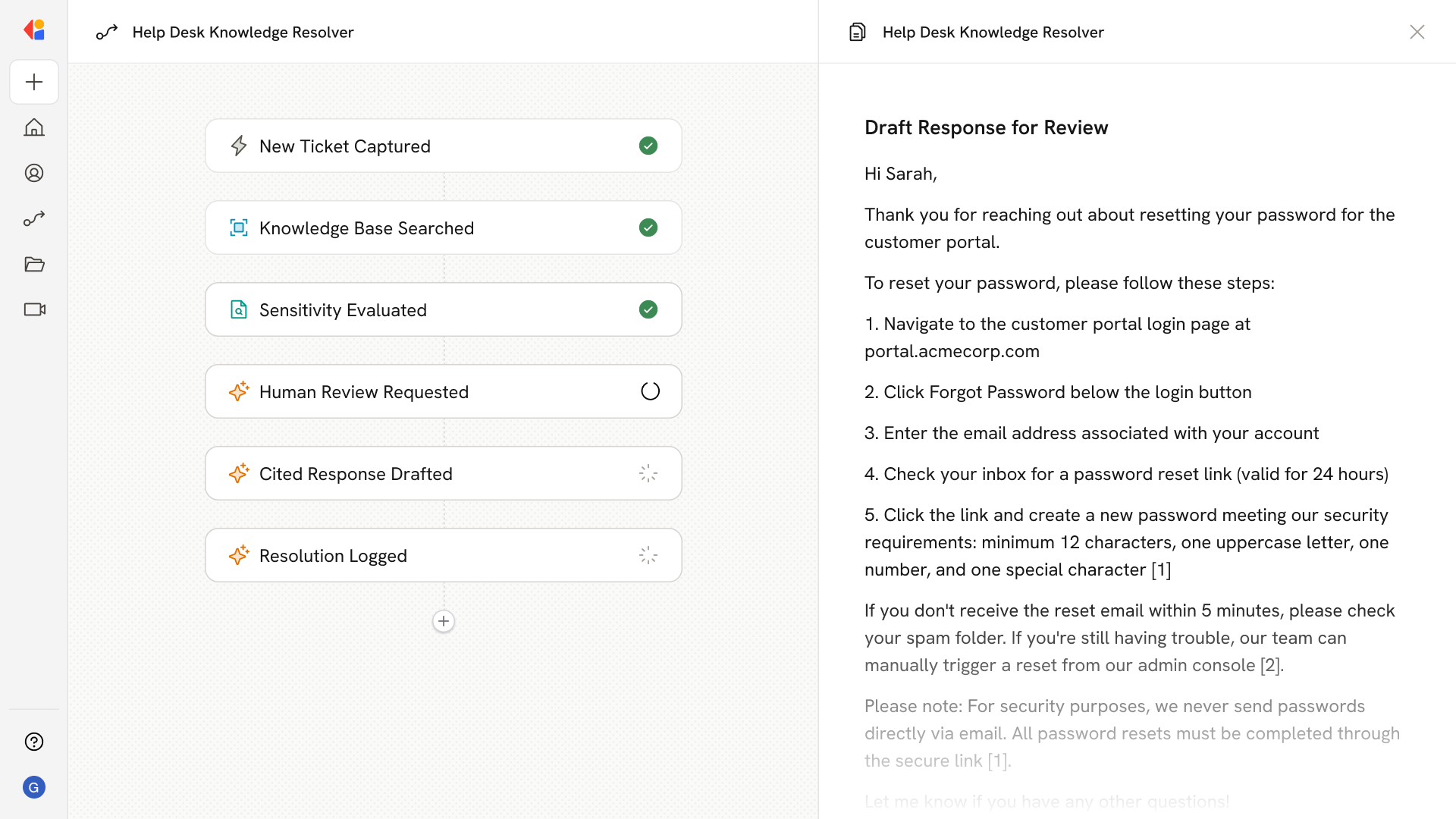
The Agent searches your policies, SOPs, and internal documentation to deliver answers with source links—so employees can verify and dig deeper when needed.
Who uses Internal Answer Search?
Internal Answer Search is built for anyone who needs quick access to company knowledge without interrupting colleagues or digging through systems:
- New hires ramping up on policies, processes, and how things work
- Operations and HR teams fielding repetitive questions about benefits, procedures, and guidelines
- Frontline employees who need fast answers to serve customers or complete tasks
- Managers looking up SOPs or policy details without waiting on subject matter experts
- IT and support staff referencing internal documentation and troubleshooting guides
It's especially valuable for distributed teams and high-turnover environments where the same questions get asked repeatedly—freeing up your experts to focus on work that actually requires their expertise.
How does Internal Answer Search use your Knowledge Base?
Internal Answer Search connects to your company's centralized Knowledge Base—pulling from sources like SharePoint, Confluence, Google Drive, Notion, and OneDrive—to find the most relevant policies, SOPs, onboarding materials, and product documentation.
When an employee asks a question, the Agent:
- Searches across all connected knowledge sources for relevant content
- Returns precise answers with citations and direct links to source documents
- Understands your company's terminology and context to surface accurate information
- Reflects the latest updates automatically through continuous sync
Because the Knowledge Base stays current with your connected systems, employees always get answers based on the most up-to-date information—not outdated docs buried in someone's inbox.
Implement it inside your company
- Hands-on onboarding and support
- Self-paced training for your team
- Dedicated implementation experts
- Ongoing use case discovery
- ROI tracking & analytics dashboards
- Proven playbooks to get started fast