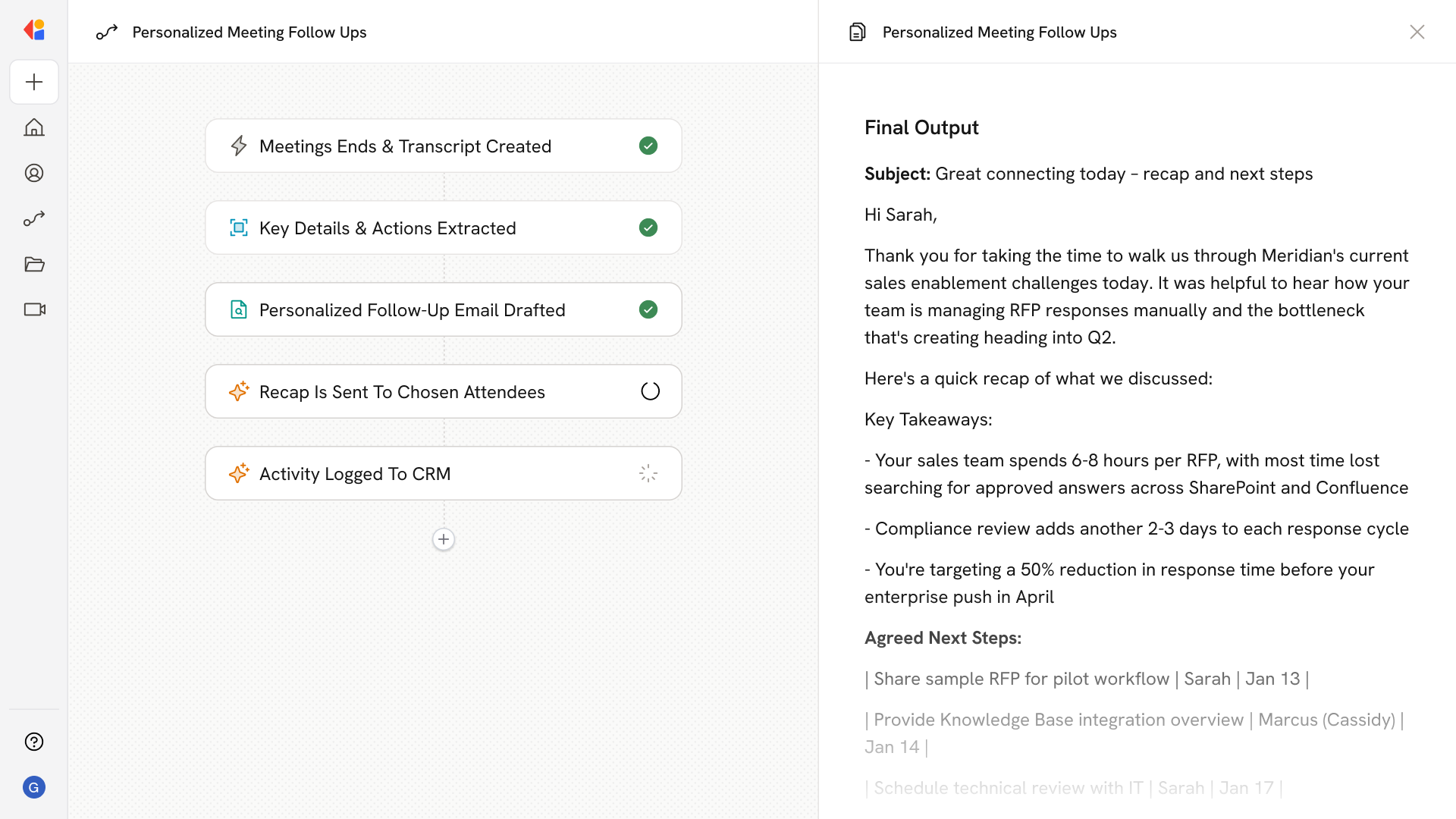
Post-Call CRM Field Updates
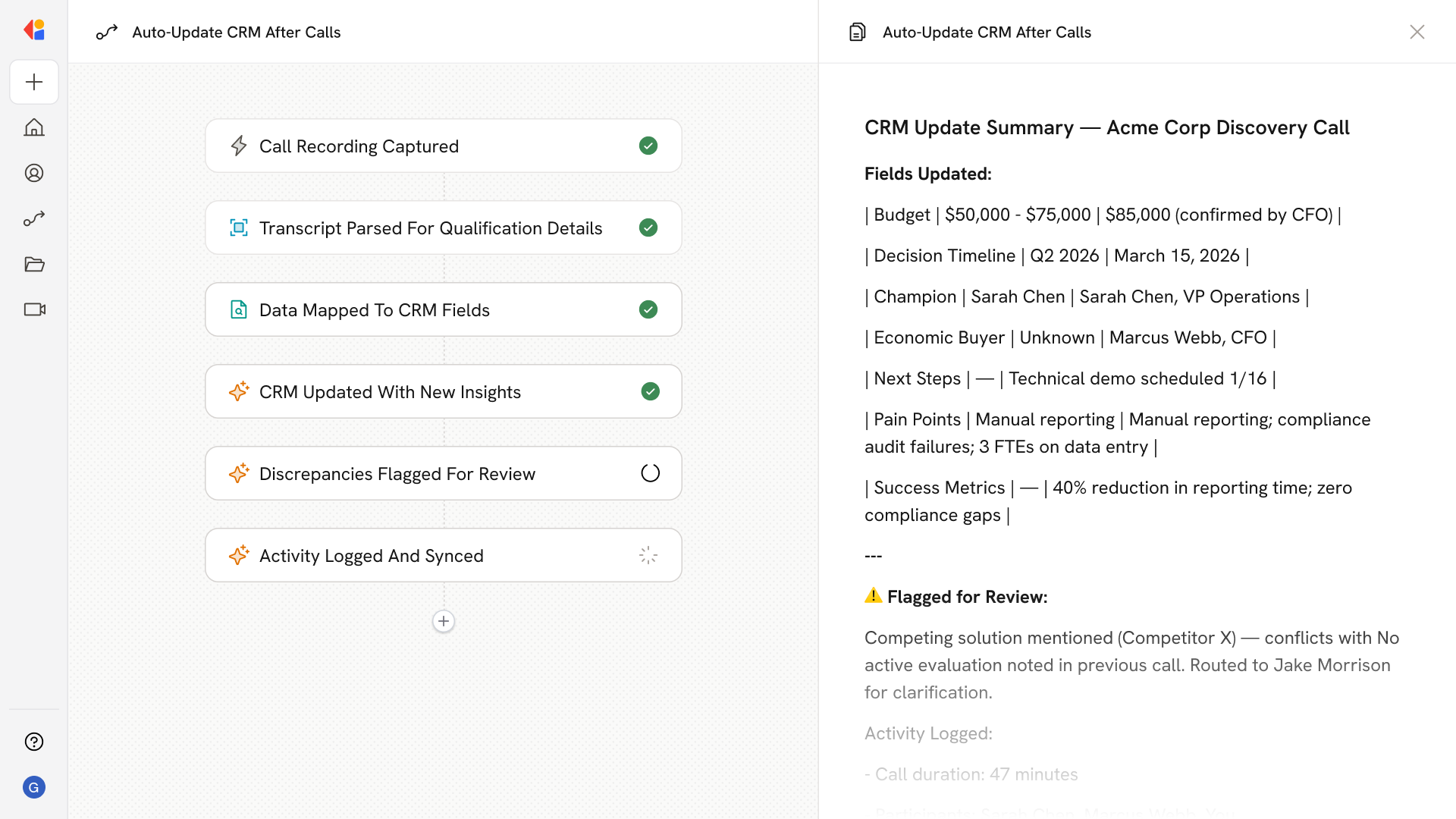
What does this mean?
Ensures your CRM stays continuously up to date after each interaction—reducing manual effort, standardizing data across frameworks, and improving coaching, stage progression, and forecast confidence.
How it works?
After every call, auto-transcribes and parses notes to extract framework‑aligned qualification elements (e.g., pain, metrics, budget, stakeholders, decision process), then incrementally updates mapped CRM fields by adding new facts, revising outdated values, appending source links, and flagging discrepancies for review.
Workflow Steps
Step 1: Trigger on call completion
The Workflow activates automatically when a sales call ends—whether via a Gong trigger, Meeting ended trigger, or calendar integration—capturing the recording and any associated notes.
Step 2: Transcribe and parse call notes
Cassidy auto-transcribes the conversation and parses the transcript, extracting framework-aligned qualification elements like pain points, success metrics, budget details, stakeholders, and decision process.
Step 3: Map extracted data to CRM fields
The Workflow matches each extracted element to the corresponding CRM fields in your Salesforce or HubSpot instance, preparing updates that align with your team's qualification framework (MEDDIC, BANT, etc.).
Step 4: Update CRM incrementally
Cassidy updates your CRM by adding new facts, revising outdated values, and appending source links to the original call—preserving existing data while layering in fresh insights from the latest interaction.
Step 5: Flag discrepancies for review
When the Workflow detects conflicting information—such as a budget figure that doesn't match what's on record—it flags the discrepancy and routes it to a team member for Human-in-the-Loop approval before updating.
Step 6: Log activity and sync
Once updates are confirmed, the Workflow logs the completed activity back to the CRM with timestamps and call links, keeping your pipeline data accurate and giving managers full visibility into deal progression.
Implement it inside your company
- Hands-on onboarding and support
- Self-paced training for your team
- Dedicated implementation experts
- Ongoing use case discovery
- ROI tracking & analytics dashboards
- Proven playbooks to get started fast