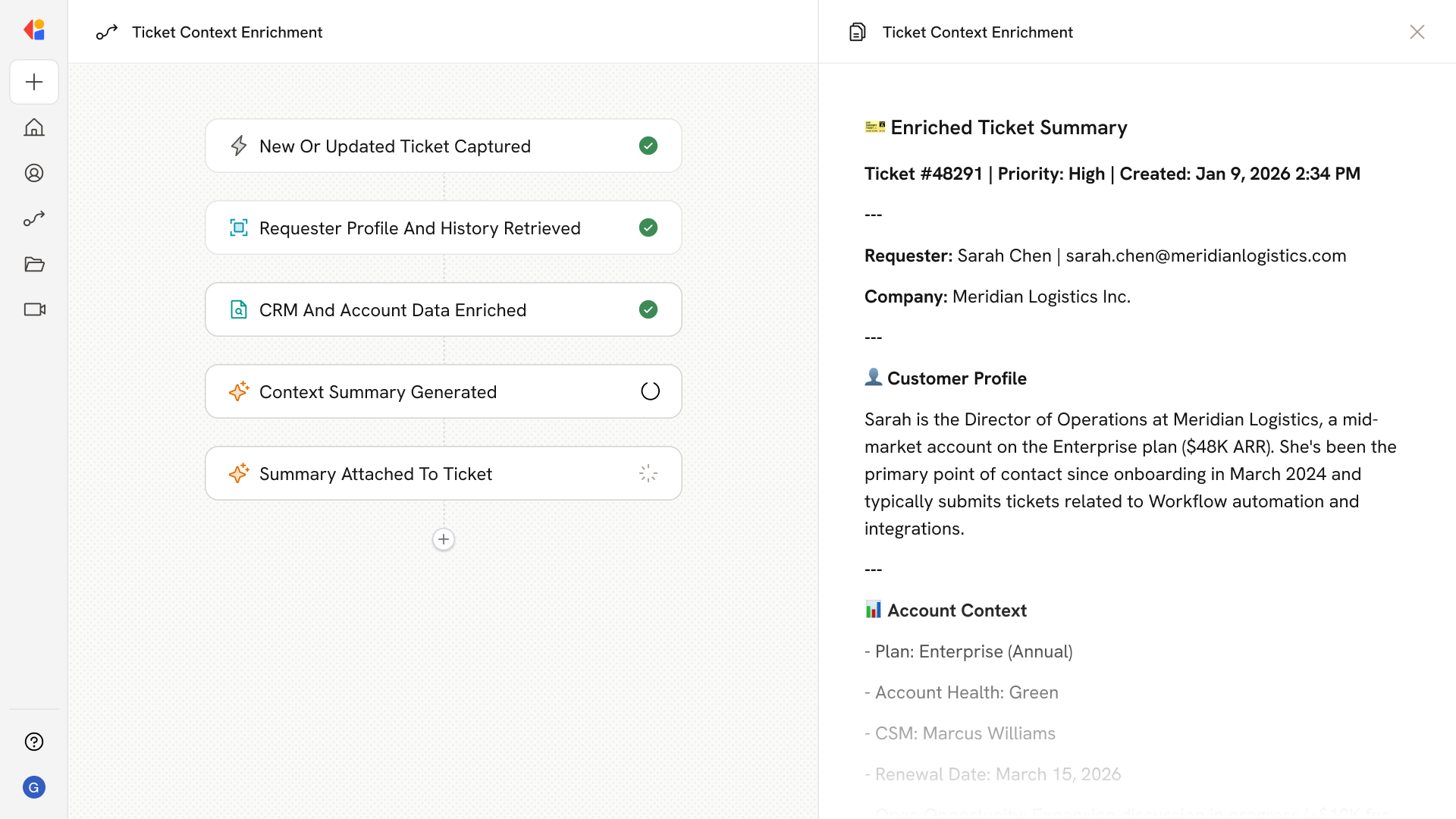
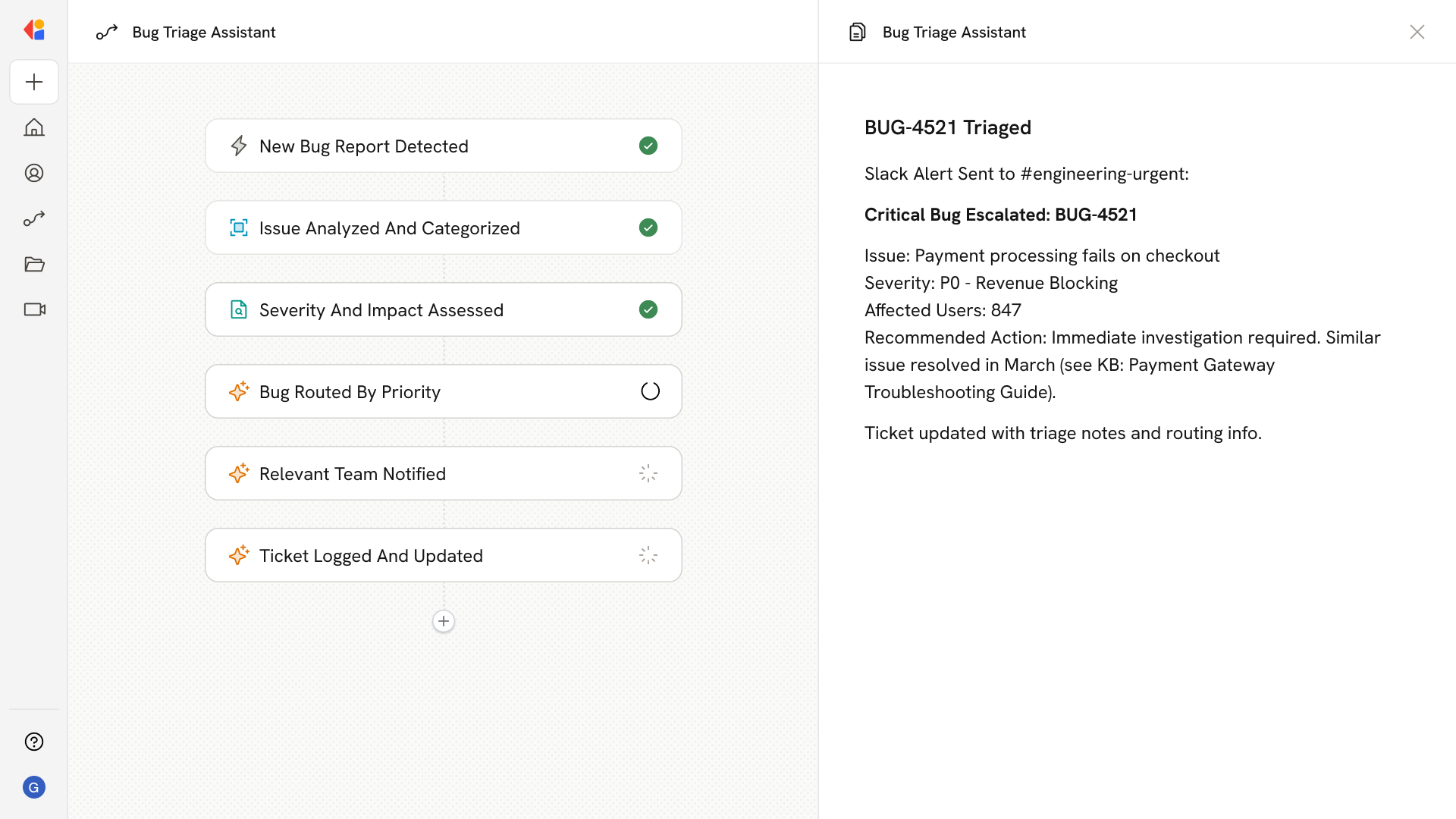
Create Support Ticket from Issue Raised on Call
What does this mean?
Speeds up issue resolution, enhances team responsiveness, and ensures customer concerns are tracked and addressed efficiently.
How it works?
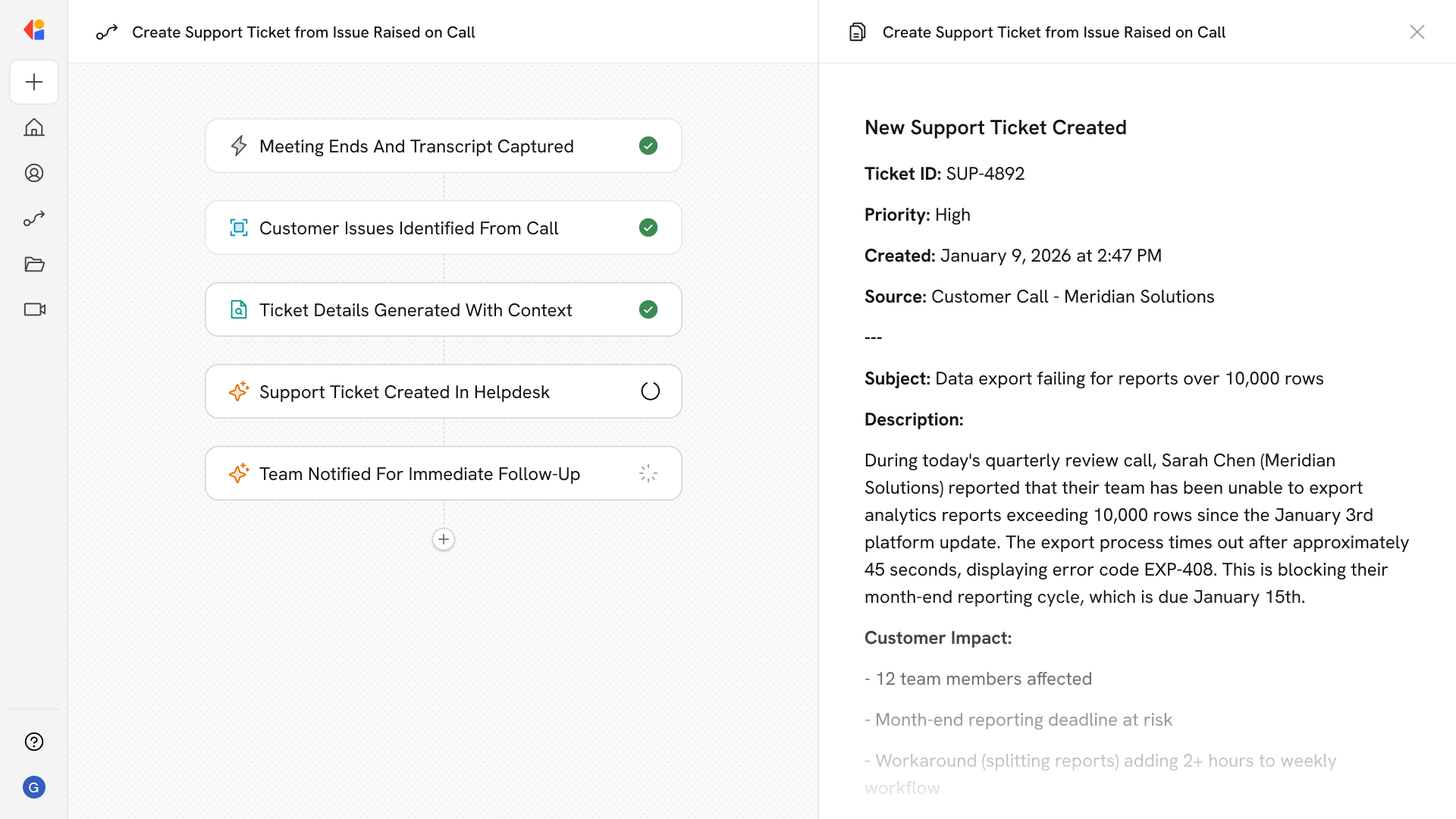
Records meetings to identify and capture issues discussed during calls, automatically creating support tickets in your system with details, priority, and context from the conversation.
Workflow steps
Step 1: Meeting ended trigger
The Workflow activates automatically when a customer call or meeting ends, capturing the full transcript and conversation details.
Step 2: Extract issues with Cassidy
Using context from your Knowledge Base, Cassidy analyzes the transcript to identify customer issues, concerns, or problems raised during the conversation.
Step 3: Generate ticket details
For each issue identified, Cassidy generates structured ticket information—including a summary, priority level, relevant context from the call, and any action items discussed.
Step 4: Create support ticket
The Workflow sends the ticket details directly to your support system (such as Zendesk, Jira, or ServiceNow), automatically creating a new ticket with full context from the conversation.
Step 5: Notify the team
A notification is sent to the appropriate team member or channel—via Slack, email, or Microsoft Teams—alerting them to the new ticket so follow-up can begin immediately.
Implement it inside your company
- Hands-on onboarding and support
- Self-paced training for your team
- Dedicated implementation experts
- Ongoing use case discovery
- ROI tracking & analytics dashboards
- Proven playbooks to get started fast