Customer Support Auto-Responder
What does this mean?
Delivers fast, consistent, policy-aligned responses that boost customer satisfaction and trust while cutting repetitive writing and follow-ups.
How it works?
Pulls ticket and email details with prior conversations, then searches a centralized Knowledge Base of documentation, knowledge articles, FAQs, and past tickets to generate an on-brand reply draft with cited sources and suggested next actions—directly inside the help desk or email client.
Workflow steps
Step 1: Trigger on new ticket or email
The Workflow activates automatically when a new support ticket arrives in your help desk or a customer email lands in your inbox.
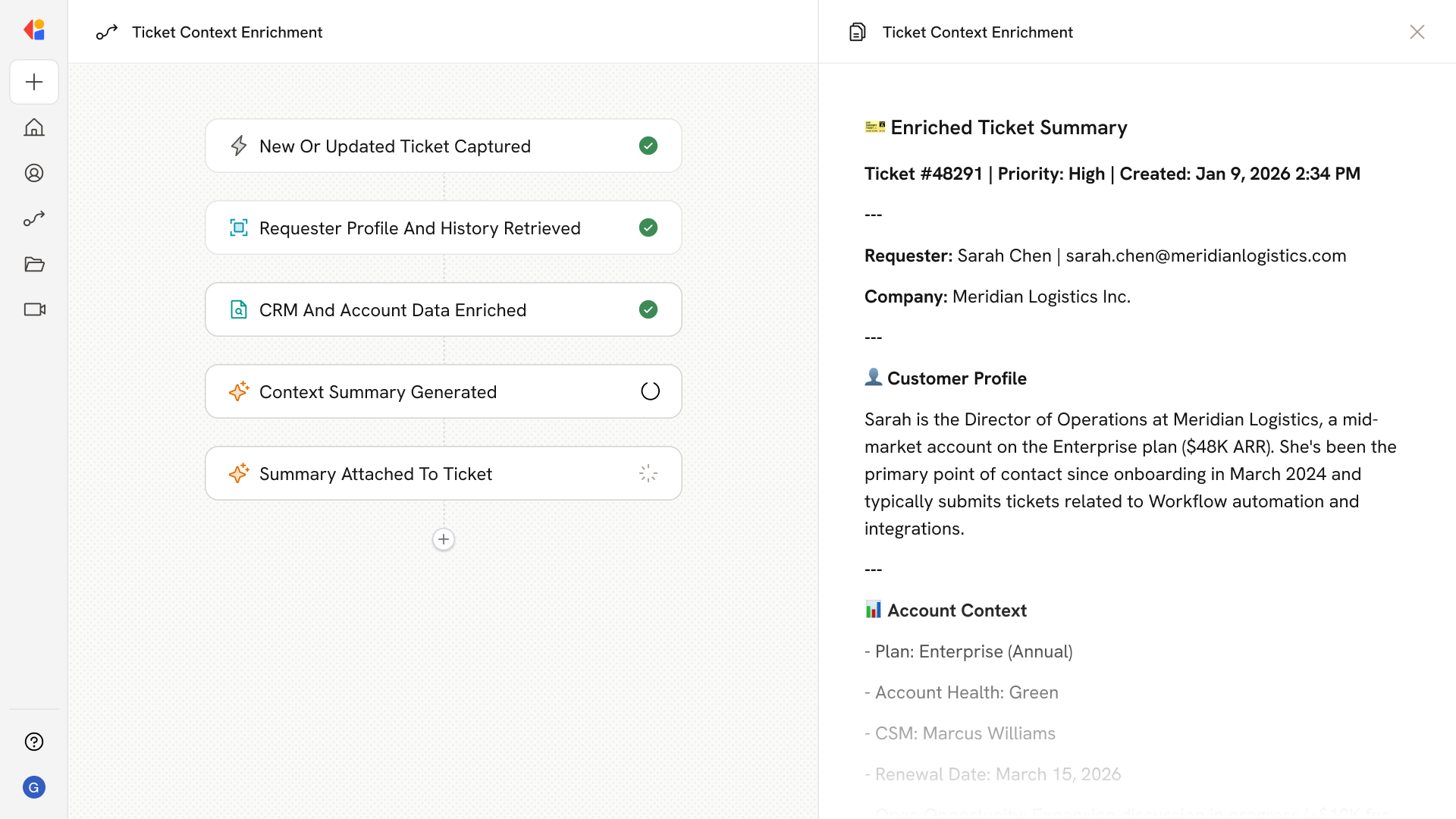
Step 2: Pull ticket and conversation history
Cassidy extracts the ticket or email details—including the customer's question, prior conversation threads, and any relevant metadata—to understand the full context of the request.
Step 3: Search the Knowledge Base
The Workflow searches your centralized Knowledge Base of documentation, knowledge articles, FAQs, and past resolved tickets to find the most relevant information for the customer's issue.
Step 4: Generate on-brand reply draft
Cassidy drafts a policy-aligned response that addresses the customer's question directly, includes cited sources from your Knowledge Base, and suggests next actions—all written in your company's voice.
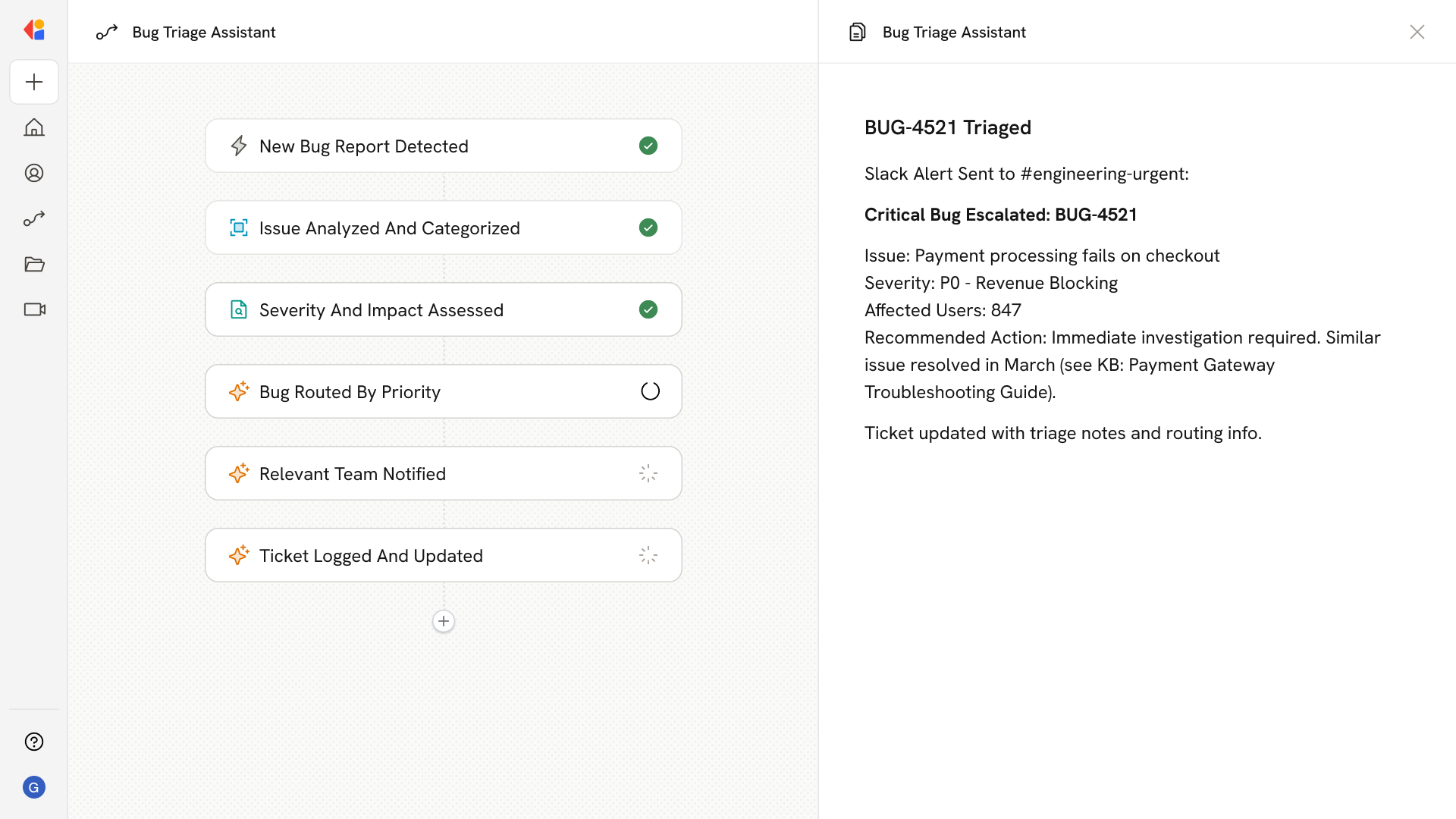
Step 5: Route for human review
The draft reply is sent to a support team member for quick approval or editing, keeping a human in the loop before any response goes out.
Step 6: Send and log the response
Once approved, the reply is delivered directly inside the help desk or email client, with the interaction logged for full visibility and future reference.
Implement it inside your company
- Hands-on onboarding and support
- Self-paced training for your team
- Dedicated implementation experts
- Ongoing use case discovery
- ROI tracking & analytics dashboards
- Proven playbooks to get started fast