Ticket Triage and Routing
What does this mean?
Ensures accurate assignment and clear ownership so the right people engage sooner—reducing misroutes and backlog, improving SLA performance, and smoothing handoffs across teams.
How it works?
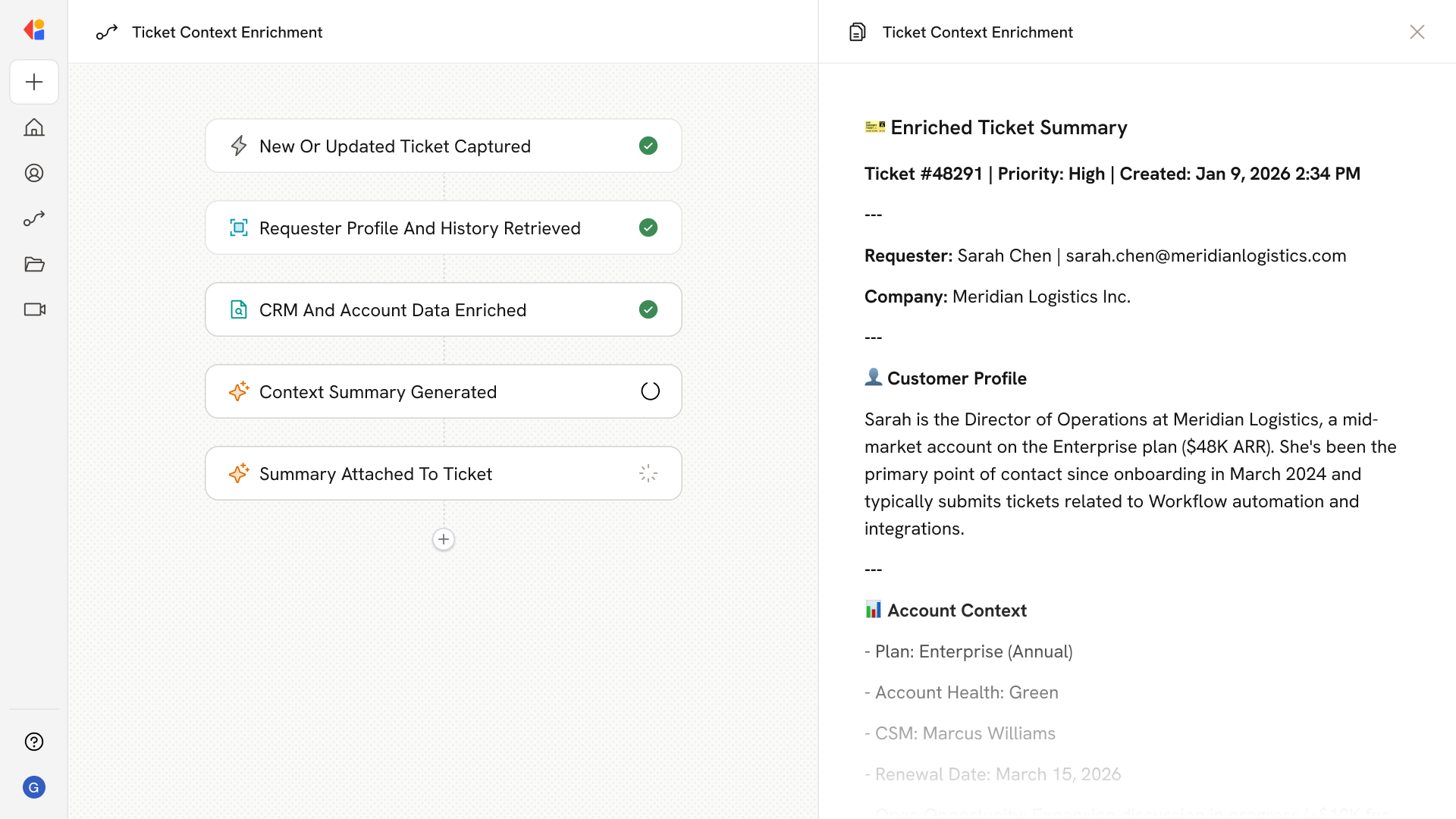
Pulls new tickets from your help desk (e.g., Zendesk, Intercom), detects intent, product, entitlement, and urgency, then applies consistent prioritization and routes or escalates to the appropriate queue or specialist.
Workflow steps
Step 1: Trigger on new ticket
The Workflow activates automatically when a new ticket arrives in your help desk—whether from Zendesk, Intercom, or another connected support platform.
Step 2: Analyze ticket content
Cassidy reads the ticket details and uses your company's Knowledge Base and support guidelines to detect intent, identify the relevant product or service, check customer entitlement, and assess urgency.
Step 3: Apply prioritization logic
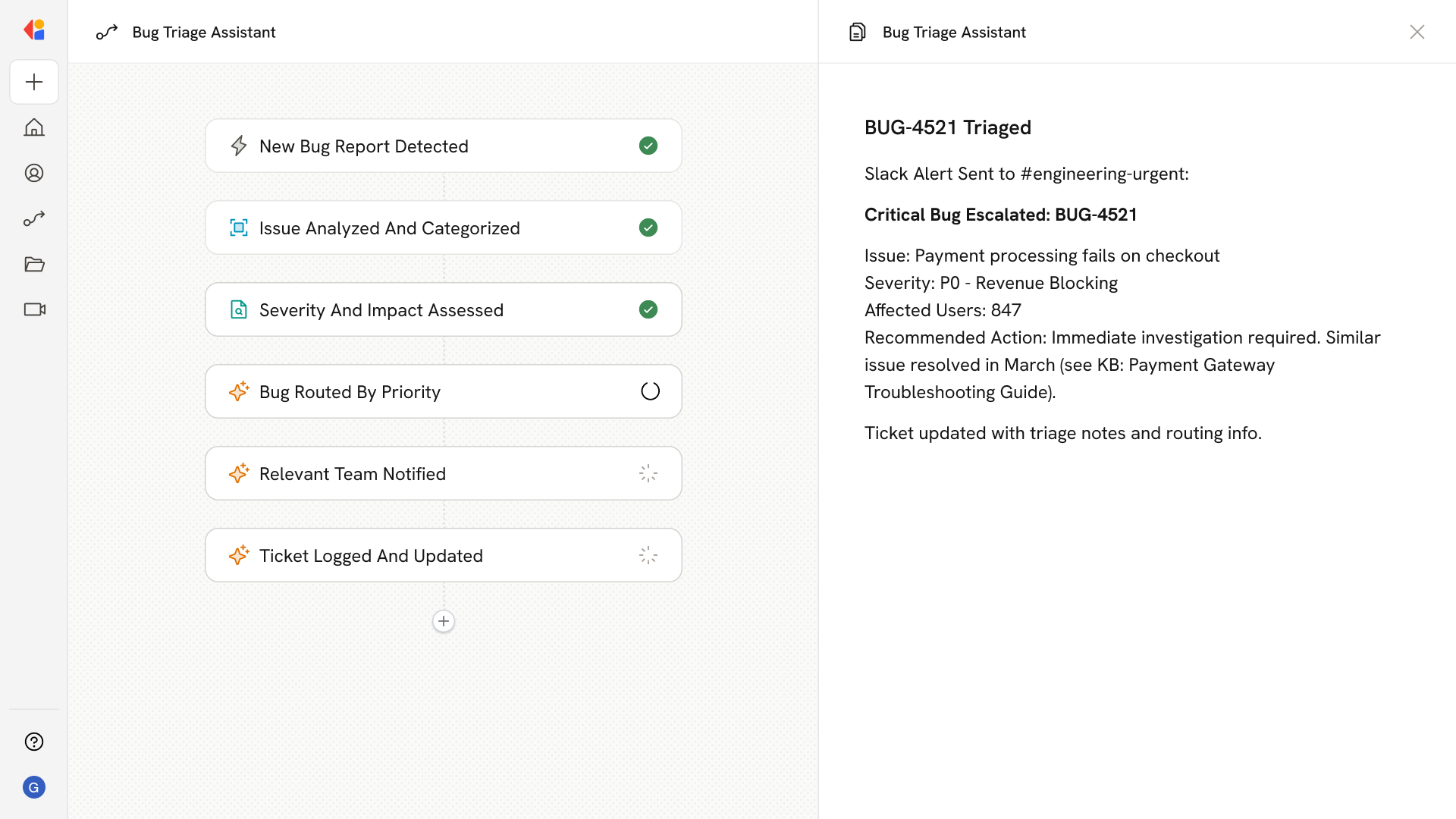
The Workflow applies consistent prioritization rules to categorize the ticket by severity and type, ensuring every request is handled according to the same standards.
Step 4: Route or escalate
Based on the analysis, the Workflow automatically assigns the ticket to the appropriate queue or specialist. High-urgency or complex issues are escalated to senior team members, while standard requests flow to the right support tier.
Step 5: Update help desk and notify team
The Workflow logs the triage decision back to your help desk with correct ownership, priority, and category tags—then notifies the assigned team member so they can engage immediately.
Implement it inside your company
- Hands-on onboarding and support
- Self-paced training for your team
- Dedicated implementation experts
- Ongoing use case discovery
- ROI tracking & analytics dashboards
- Proven playbooks to get started fast