Contract Redline Recommendations

How does it work?
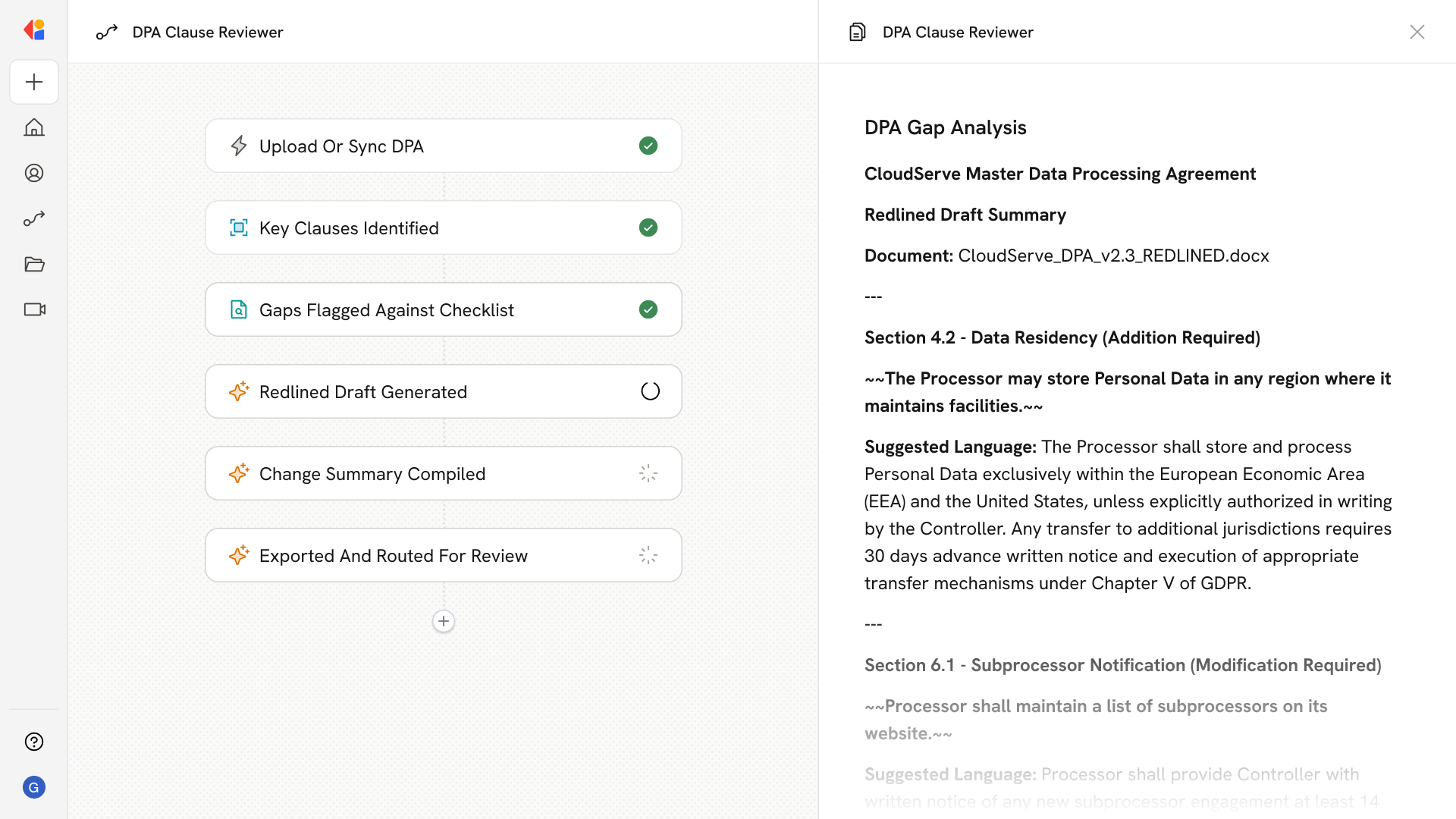
Contract Redline Recommendations handles the clause-by-clause analysis that slows down deal cycles. Ask questions like:
- What changes should we request to this indemnification clause?
- Does this limitation of liability align with our standard terms?
- What's our fallback position on this payment terms section?
- Flag any clauses in this MSA that deviate from our playbook.
- What rationale should I give the vendor for rejecting this IP assignment language?
- How did we handle this termination clause in the Acme deal?
- Are there any non-standard provisions I should escalate to legal?
The Agent reviews the draft against your approved playbook and returns suggested edits, fallback positions, and rationale—so you can respond faster without starting from scratch.
Who uses Contract Redline Recommendations?
Contract Redline Recommendations is built for teams who review and negotiate agreements:
- Legal Counsel reviewing vendor and customer contracts against company standards
- Sales Reps who need to move deals forward without waiting on legal for every redline
- Deal Desk ensuring pricing, liability, and payment terms stay within approved guardrails
- Procurement Teams reviewing inbound agreements from vendors and partners
It's especially valuable when deal volume outpaces legal capacity—giving commercial teams a first pass on redlines while keeping legal in control of the playbook.
How does Contract Redline Recommendations use your Knowledge Base?
Contract Redline Recommendations draws from your approved contract playbook, fallback positions, and precedent agreements stored across connected sources—including SharePoint, Google Drive, OneDrive, Box, and Confluence.
When a draft agreement comes in, the Agent:
- References your standard clause library and approved language
- Applies negotiation guidelines and fallback positions for each clause type
- Pulls from previously negotiated agreements to identify acceptable variations
- Surfaces rationale and supporting context for each suggested edit
Because the Knowledge Base syncs continuously, the Agent always works from your latest playbook—so redline recommendations stay consistent with current policies and risk tolerances.
Implement it inside your company
- Hands-on onboarding and support
- Self-paced training for your team
- Dedicated implementation experts
- Ongoing use case discovery
- ROI tracking & analytics dashboards
- Proven playbooks to get started fast