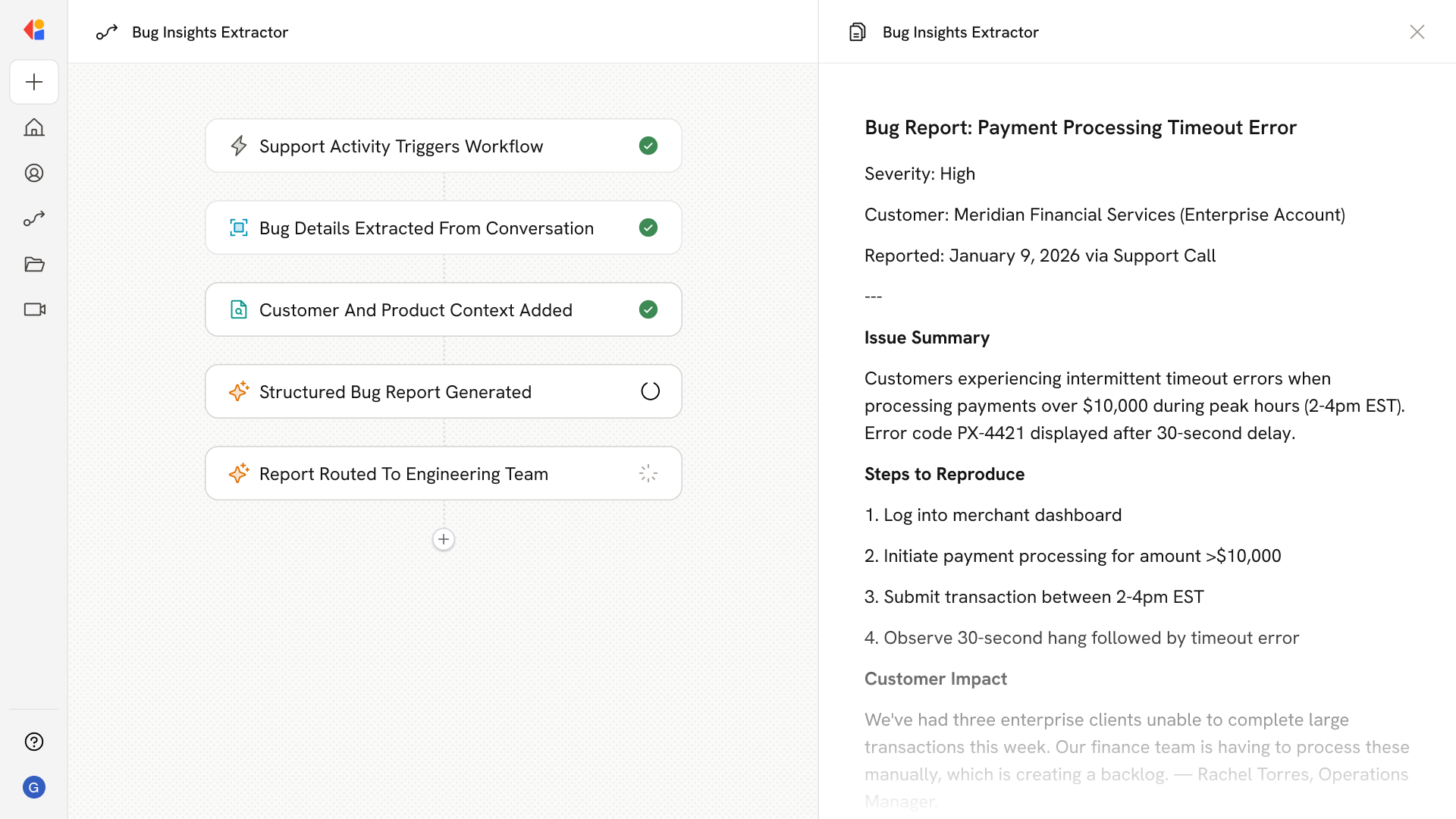
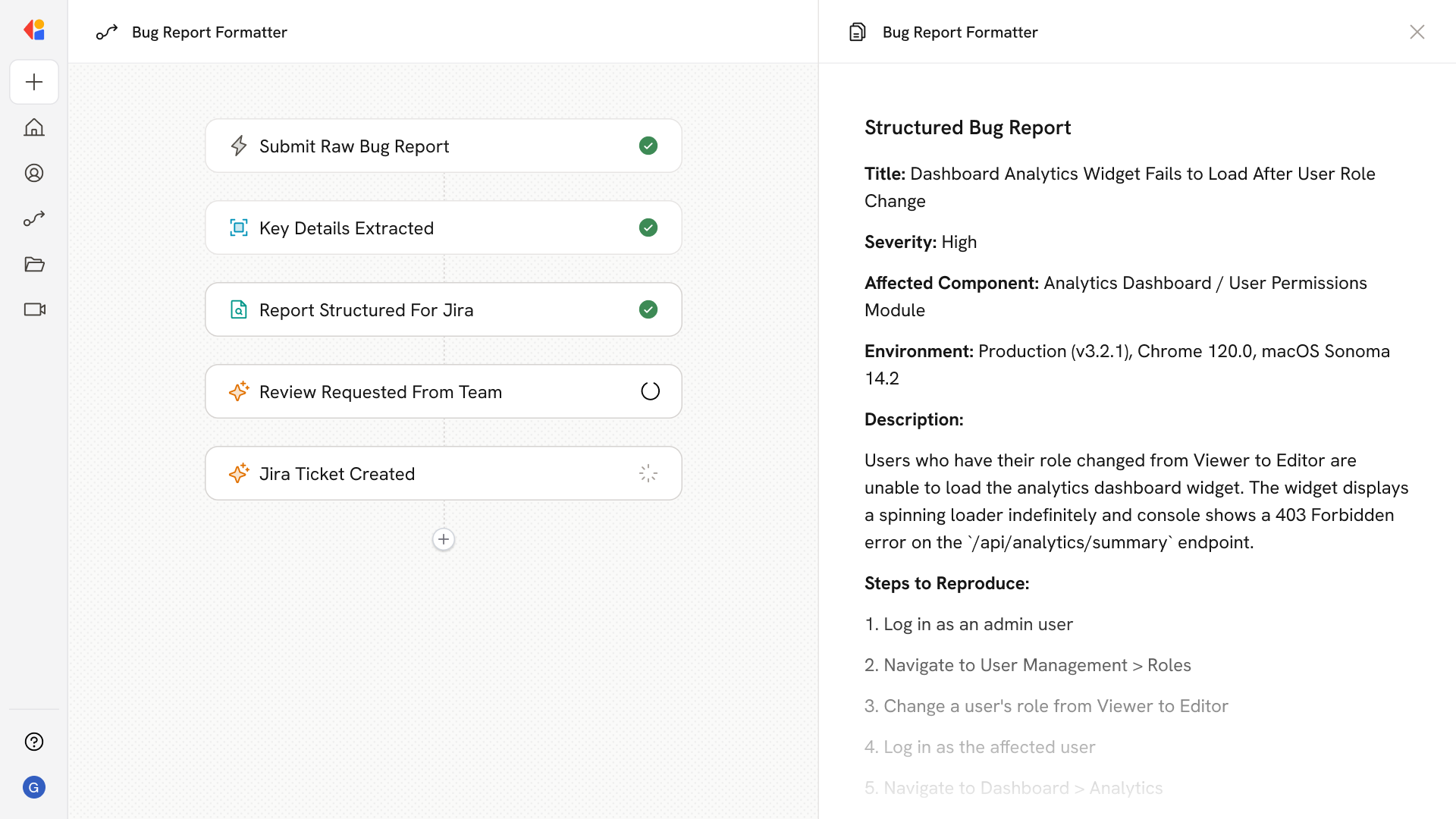
Product Metrics Analyzer
How does it work?
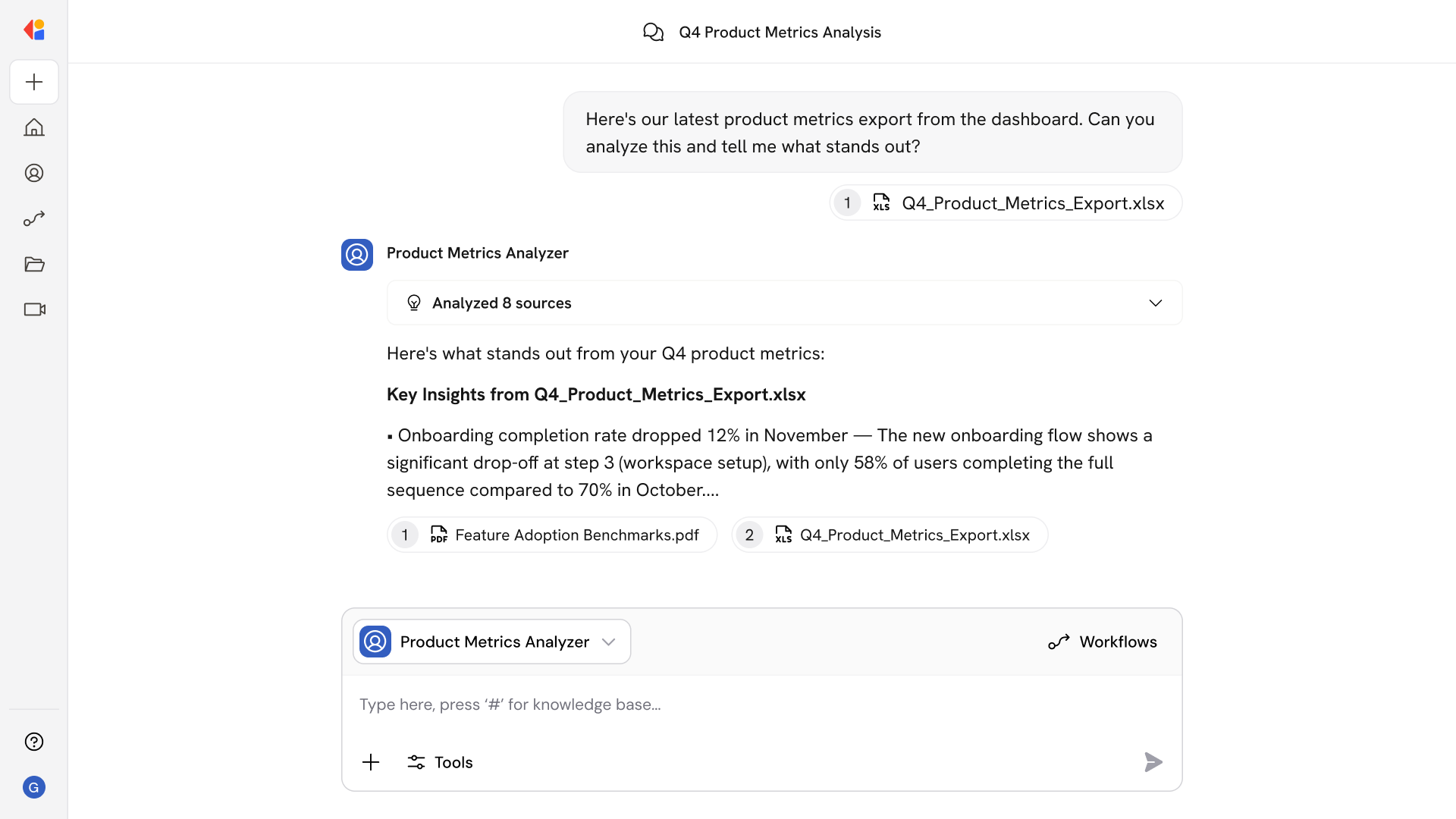
Product Metrics Analyzer handles the analysis work that usually requires SQL queries or BI requests. Ask questions like:
- What's the adoption rate for our new onboarding flow?
- Which features have the highest drop-off in the first 7 days?
- Compare engagement metrics between our free and paid tiers.
- What user segments are most active in the dashboard module?
- Show me weekly active users trend for the past quarter.
- Which cohort has the best retention after 30 days?
- What's the correlation between feature X usage and conversion?
The Agent analyzes your product data and returns concise summaries with charts—so you get answers, not raw data dumps.
Who uses Product Metrics Analyzer?
Product Metrics Analyzer is built for teams who need fast, data-driven answers to guide product decisions:
- Product Managers validating feature performance and prioritizing roadmap items
- Growth Teams identifying adoption gaps and testing engagement hypotheses
- Product Analysts running quick queries without waiting on BI queues
- Product Leaders reviewing usage trends and making resource allocation decisions
It's especially valuable when you need answers mid-meeting or mid-sprint—no waiting for a data request ticket to work its way through the queue.
Product Metrics Analyzer use your Knowledge Base>?
Product Metrics Analyzer searches across your connected sources—including product analytics platforms, Google Drive reports, Confluence documentation, Jira tickets, and Slack discussions—to surface relevant usage data and context in one place.
When you ask a question about product performance, the Agent:
- Pulls usage metrics, adoption rates, and engagement data from connected analytics sources
- References feature documentation and product specs for context
- Searches Jira for related tickets, bugs, and feature requests
- Surfaces relevant Slack threads where teams discussed performance issues
Because the Knowledge Base syncs continuously, you're always analyzing the latest data—not last week's export sitting in a spreadsheet somewhere.
Implement it inside your company
- Hands-on onboarding and support
- Self-paced training for your team
- Dedicated implementation experts
- Ongoing use case discovery
- ROI tracking & analytics dashboards
- Proven playbooks to get started fast