AIDA Copy Generator
How does it work?
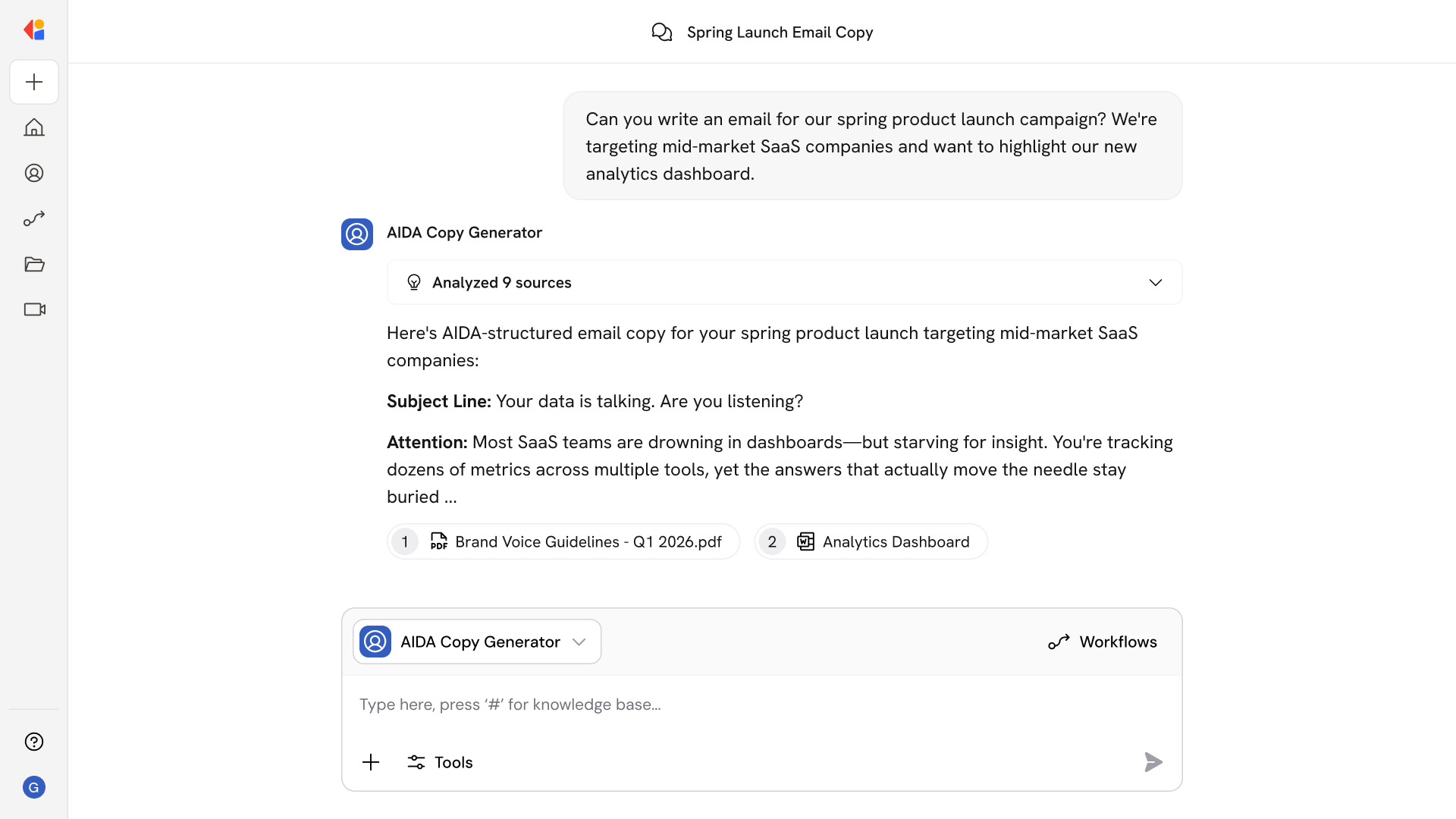
AIDA Copy Generator handles the heavy lifting of structuring persuasive copy across formats. Ask it to:
- Write AIDA copy for our new product launch landing page targeting enterprise buyers.
- Create three ad variants for our Q1 webinar promotion.
- Draft an email sequence introducing our updated pricing to existing customers.
- Generate headline options for a case study download page.
- Write conversion-focused copy for a free trial signup page.
- Create LinkedIn ad copy for our latest feature release.
- Adapt this landing page copy into a nurture email.
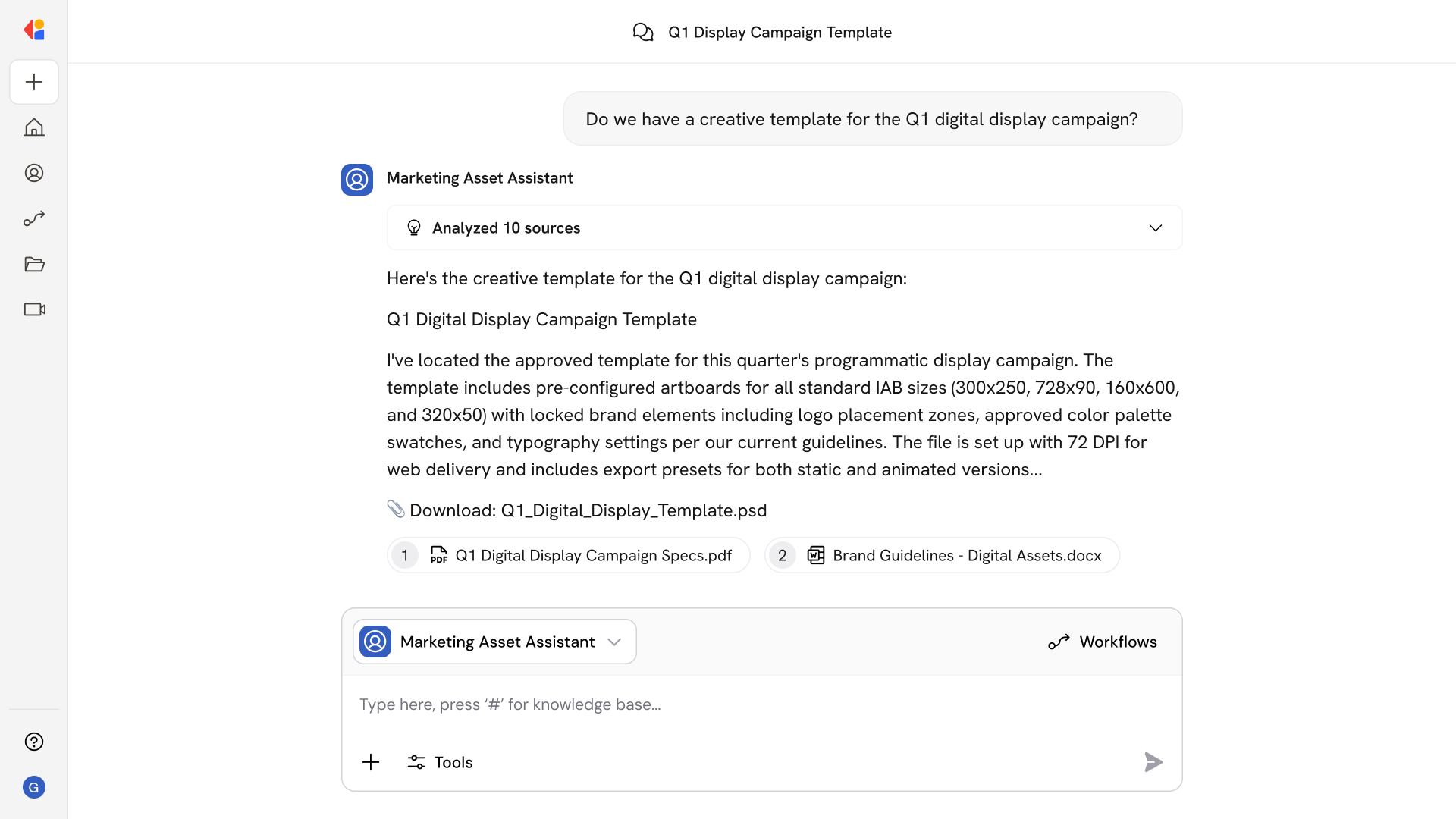
The Agent takes your brief, audience, and offer details, then delivers structured copy with clear headlines, body text, and calls to action—ready to deploy across web pages, ads, and emails.
Who uses AIDA Copy Generator?
AIDA Copy Generator is built for marketing teams who need to produce high-volume, conversion-focused content without sacrificing consistency:
- Content Marketers drafting landing pages, product descriptions, and campaign assets
- Demand Gen Managers spinning up ad variants and email sequences at scale
- Growth Marketers testing messaging across channels and audiences
- Marketing Ops standardizing copy frameworks across the organization
It's especially useful when launching new campaigns or products—when you need multiple asset types fast, all aligned to the same offer and audience.
AIDA Copy Generator use your Knowledge Base>?
AIDA Copy Generator pulls from your connected sources—including Google Drive brand guidelines, SharePoint product documentation, Confluence messaging frameworks, and Notion campaign briefs—to ensure every piece of copy reflects your company's voice and positioning.
When you submit a brief, the Agent:
- References your brand style guide for tone, terminology, and formatting rules
- Pulls product details, features, and benefits from internal documentation
- Searches past campaign assets for proven messaging patterns
- Incorporates audience personas and segmentation data
Because the Knowledge Base syncs continuously, the Agent always works with your latest positioning—so copy stays on-brand even as your messaging evolves.
Implement it inside your company
- Hands-on onboarding and support
- Self-paced training for your team
- Dedicated implementation experts
- Ongoing use case discovery
- ROI tracking & analytics dashboards
- Proven playbooks to get started fast